ONT-2-E4xxxi Multi-service Residential Gateway Series Hardware Installation Guide
TM 87-10879 Rev. A UNRELEASED DRAFT 25
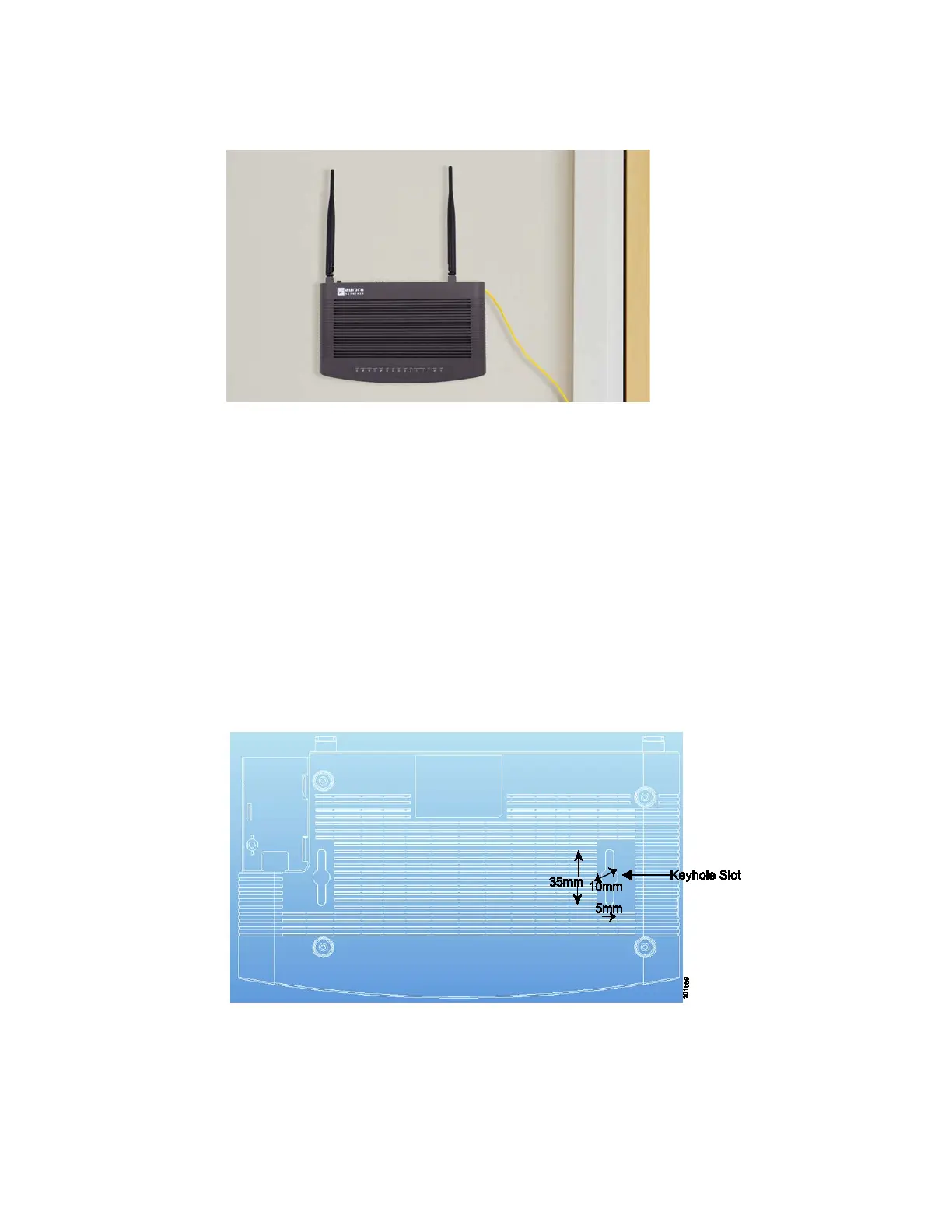
Figure 8 EPON Multi-service Gateway Wall-mounted onto Fiber Tray
4.7 Wall-Mounting the ONT without the Fiber Tray
To wall-mount an EPON Multi-service Gateway ONT without installing the fiber tray, we recommend the
following procedure:
1. Ensure that the location of the EPON Multi-service Gateway ONT is within reach of a suitable AC
outlet. The power cord on the AC adapter is approximately 5 ft. (1.52 m) long.
2. Select a flat, rigid mounting surface to wall-mount the EPON Multi-service Gateway ONT.
3. Turn the ONT unit upside down and note the keyhole slots which are available for wall hanging.
Figure 9 Schematic of the Bottom of EPON Multi-service Gateway
4. Select 2 screws or nails (with heads appropriately sized to snugly fit the keyhole slots), and insert them
into the wall so that they align with the keyhole slots. Ensure that the screw/nails are horizontally level.



 To Next Page