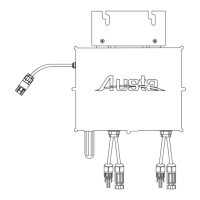
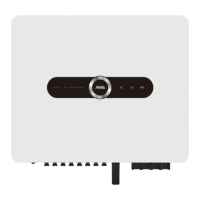
5.Microinverter Installation
Austa Microinverter User Manual
10
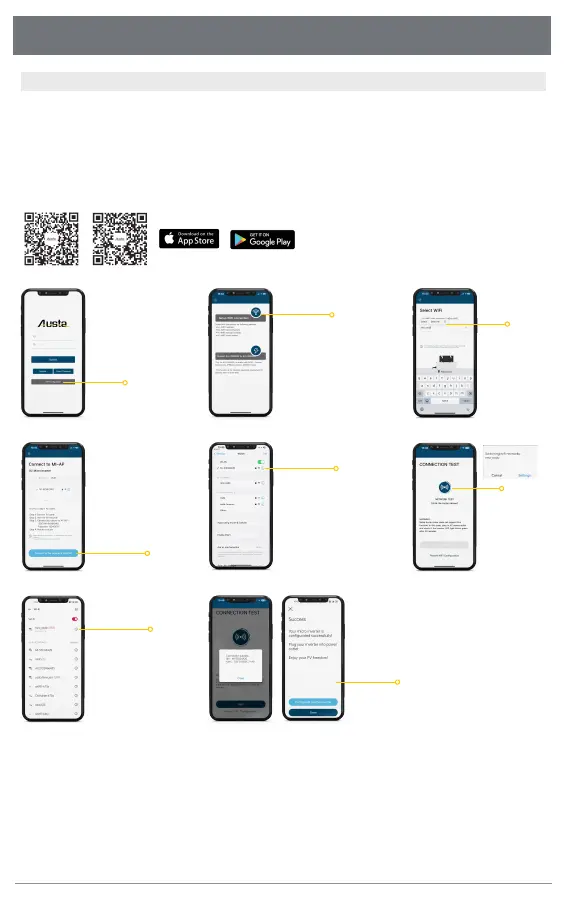
Step 3. Connect the inverter to the monitoring App
Before starting this operation, please ensure that you already have the following conditions
1. 2.4Ghz Wi-Fi network is available
2. Make sure you know the access password of this Wi-Fi network
3. You have a inverter without defective
4. You have correctly downloaded the latest version of the Austa App
Click“Wi-Fi Configuration”
ready to enter
Your microinverter is
configurated successfully!
Select your home Wi-Fi
Click“Setup Wi-Fi connection”
Access the Home Wireless
Click to select
home Wi-Fi
Android ios
01
02
03
07
Download and Install "Austa Solar" App
Please wait for 90 secs
Click to“Connect to the
Device's WiFi”
04
Connect the inverter
network MI-xxxxxxxx
05
08
Note: Microinverter support 2.4Ghz Wi-Fi only
Click the blue
test button,
and click the
setting
06



 To Next Page