10
l If the code definition is not found in the built in DTC library,
a “DTC definitions not found! Please refer to User's
Manual!” message comes up prompting you to look up the
definition in the vehicle service manual.
5) Press N button to return to previous menu.
B. Erasing Codes
CAUTION: Do not erase the codes before the system has been
checked completely by a technician.
This function is performed with key on engine off (KOEO). Do not
start the engine.
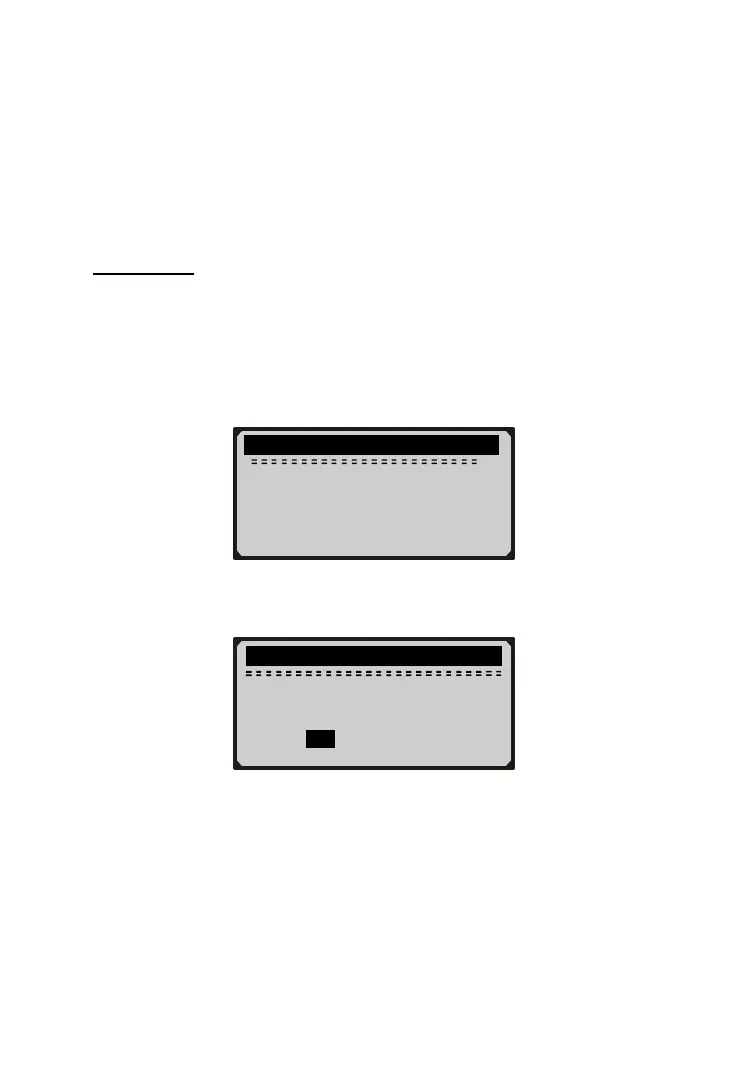
1) Use UP/DOWN button to select Erase Codes from Diagnostics
Menu and press Y button.
2) A warning message comes up asking for your confirmation.
l If you do not wish to proceed to erase the codes, press N
button or use UP/DOWN button to select NO and then
press Y button to exit. A “Command Canceled!” message
shows up. Press any key or wait a few seconds to return
3) Press Y button to erase.
l If the codes are cleared successfully, an “Erase Done!”
message shows up.
.............Erase Codes............. ...
Erase trouble codes!
Are you sure?
YES NO
............ Select Function ...... ...
2/5
1) Read Codes
►2) Erase Codes
3) Deactivate Brake
4) Activate Brake



 To Next Page