31
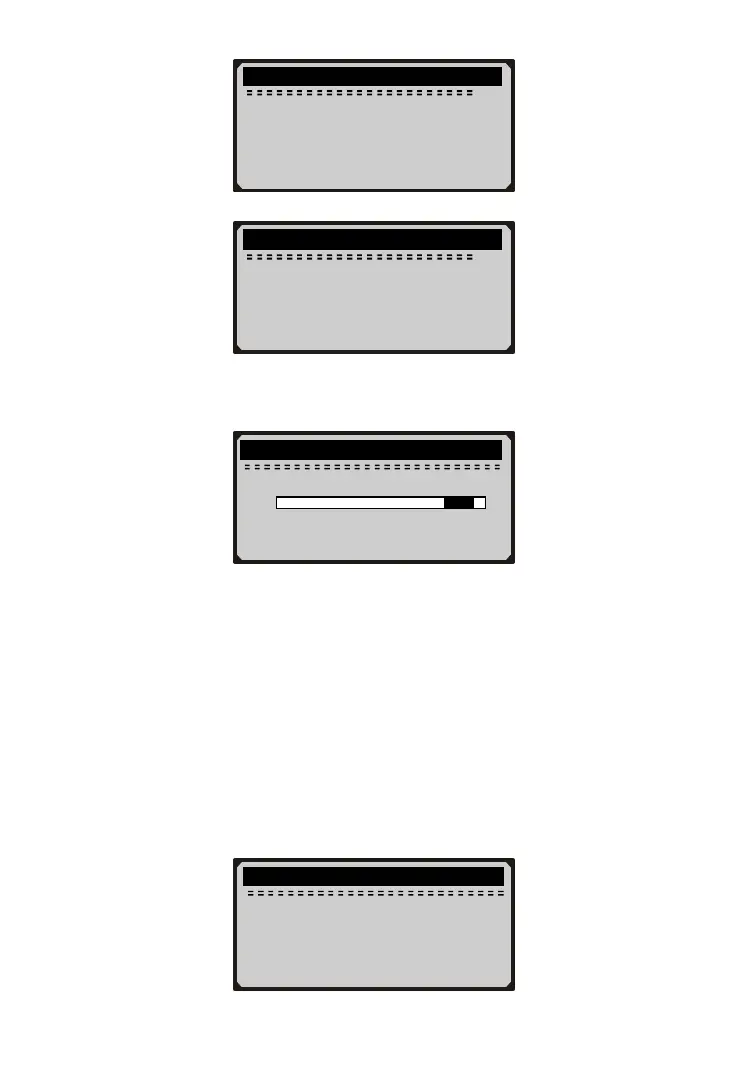
27) Press Y button and following screen shows:
28) Actuate the pedal gently to raise the pressure to 20-24 bars and
keep it for 5s.
29) Follow onscreen instructions to complete operation of current
phase:
- The fill level of wheel brake circuit HZ1 (primary brake circuit)
is in order.
- Release brake pedal.
- Brake system fill status is OK.
30) Press Y button or gently actuate and then release the pedal to
complete the air inspection service and following screen shows:
........ Inspect Brake Air .... .
23.4 bar
0 25
↑
Hold pressure within
black range for 5s.
........ Inspect Brake Air .... .
1. The test is OK.
2. No air is in brake
system.
3. End of test.
........ Inspect Brake Air .... .
2/3
needs to be applied
further!
3. Brake pressure must
not rise beyond the
specified range!
4. Actual value should
........ Inspect Brake Air .... .
3/3
be within the black
range and be held
for 5s.
5. [Y] =Con. [N] =Return



 To Next Page