Remark
If the aircraft is not connected or the SD card is not inserted, the SD card option will not
be displayed. The device storage is the default option.
2. Skill center
Click the “Skill Center” option to select the product type and view the videos and
instructions.
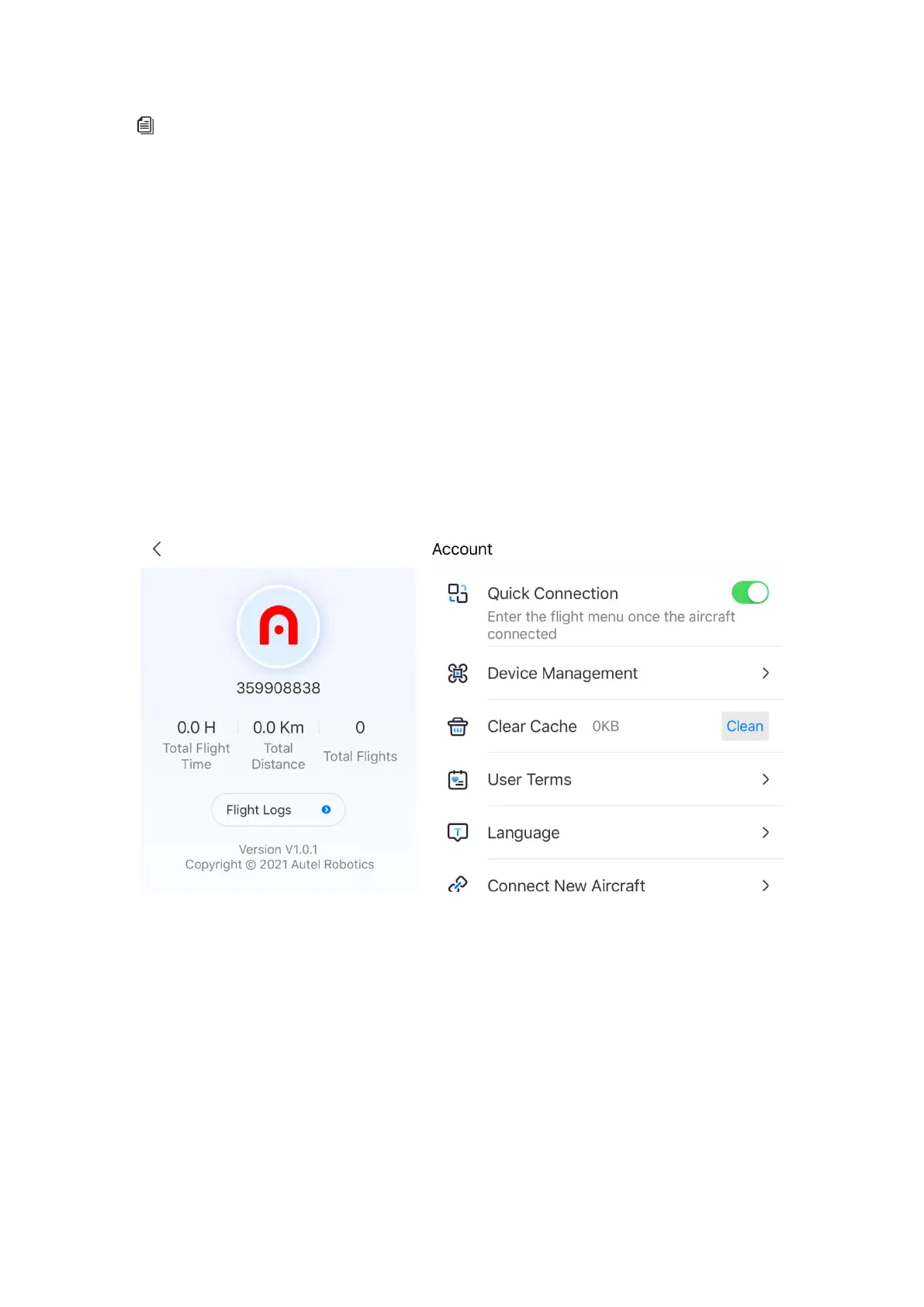
3. Personal center
View the personal account, flight log, user terms,Autel care, and device management. Other
settings include quick connection, device management, clear cache, language, Autel Robotics
Care, connect new aircraft, and novice guide.



 To Next Page