42
NOTE
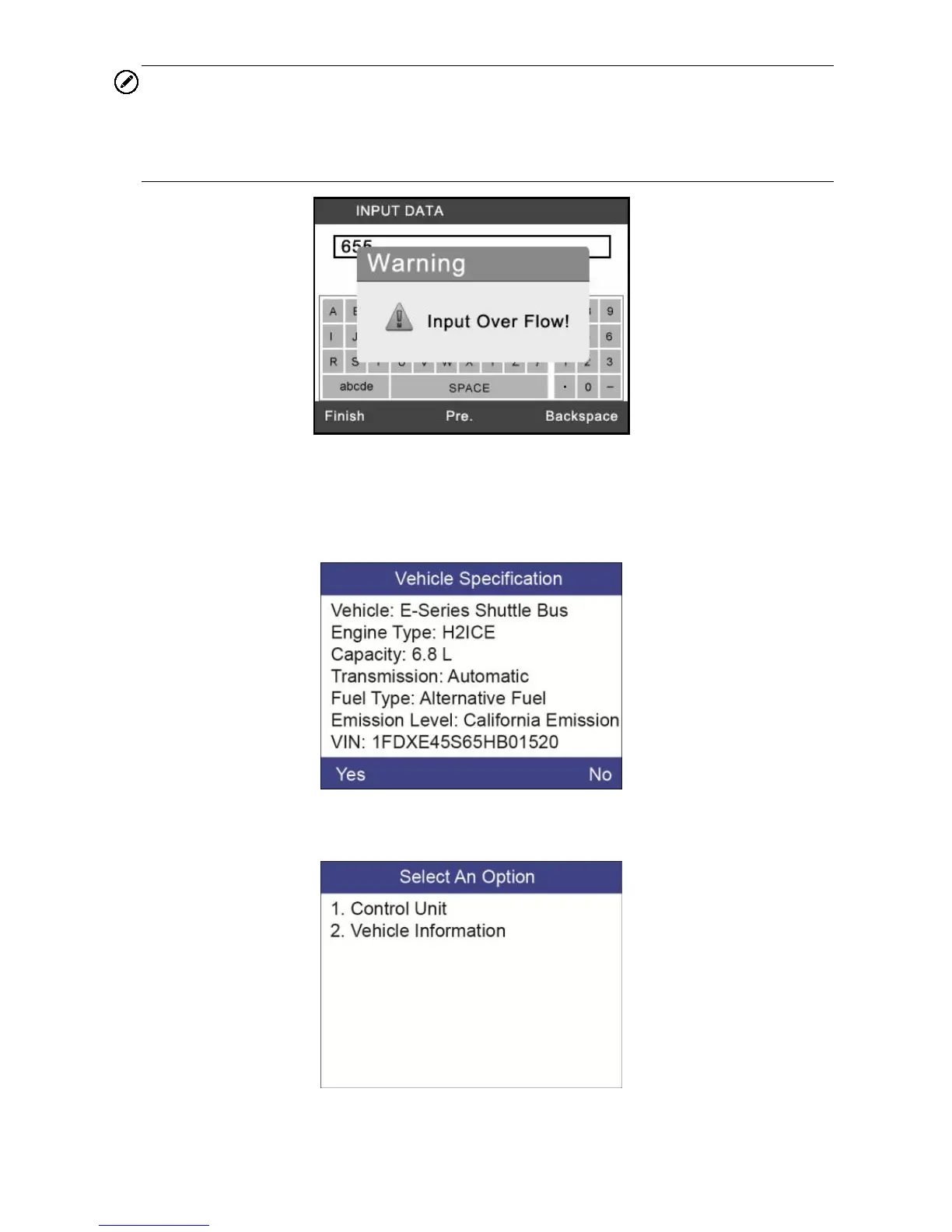
The data you input must be in the reasonable range, which is defined by the
preset values in VIN. If you enter a data out of range, the tool will display a
warning message.
Figure 5-5
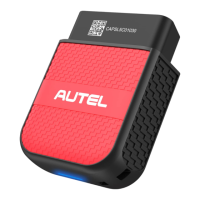
9) Follow screen instruction to save vehicle information in the Input Dialog
Box and Vehicle Specification sections by selecting Yes option, or No
option to exit without saving.
Figure 5-6
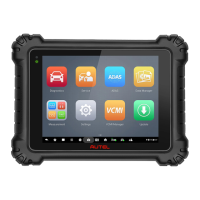
10) Select a desired item for information on the option menu screen.
Figure 5-7


 To Next Page