43
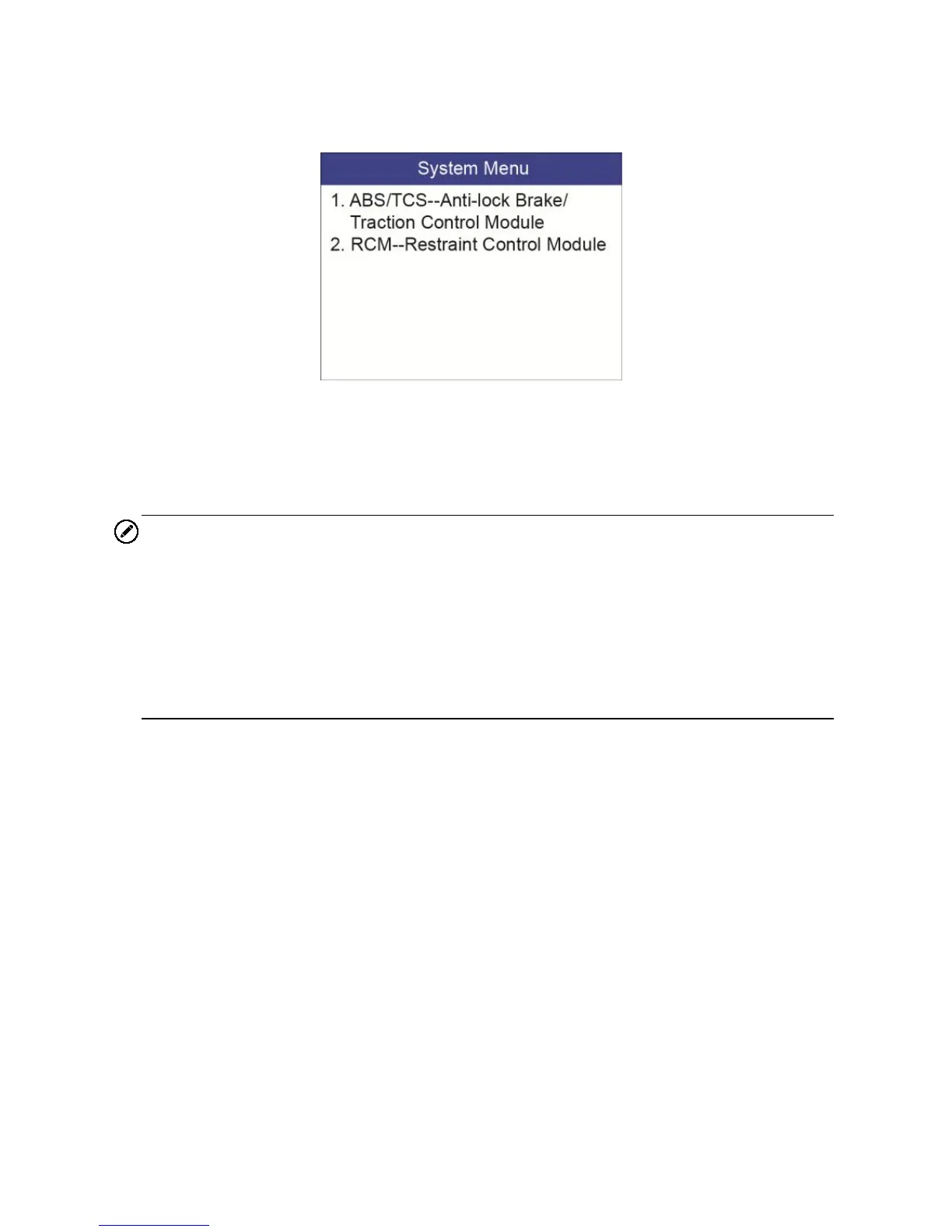
11) Select the Control Unit entry to enter the System Menu option screen,
and choose the desired Control Module entry for DTC information
stored in the vehicle’s on-board computer.
Figure 5-8
If there is not any Diagnostic Trouble Code, the display indicates
“No (pending) codes are stored in the module!” Wait a few
seconds or press any key to return to previous screen.
NOTE
1. In this manner, the scan tool will communicate with the vehicle being
tested. If there is a linking error, please refer to 3.8 Product
Troubleshooting.
2. If the vehicle does not support ABS/SRS communication, an advisory
message shows on the Scan Tool’s display. Follow the screen
instruction to exit the system.


 To Next Page