13
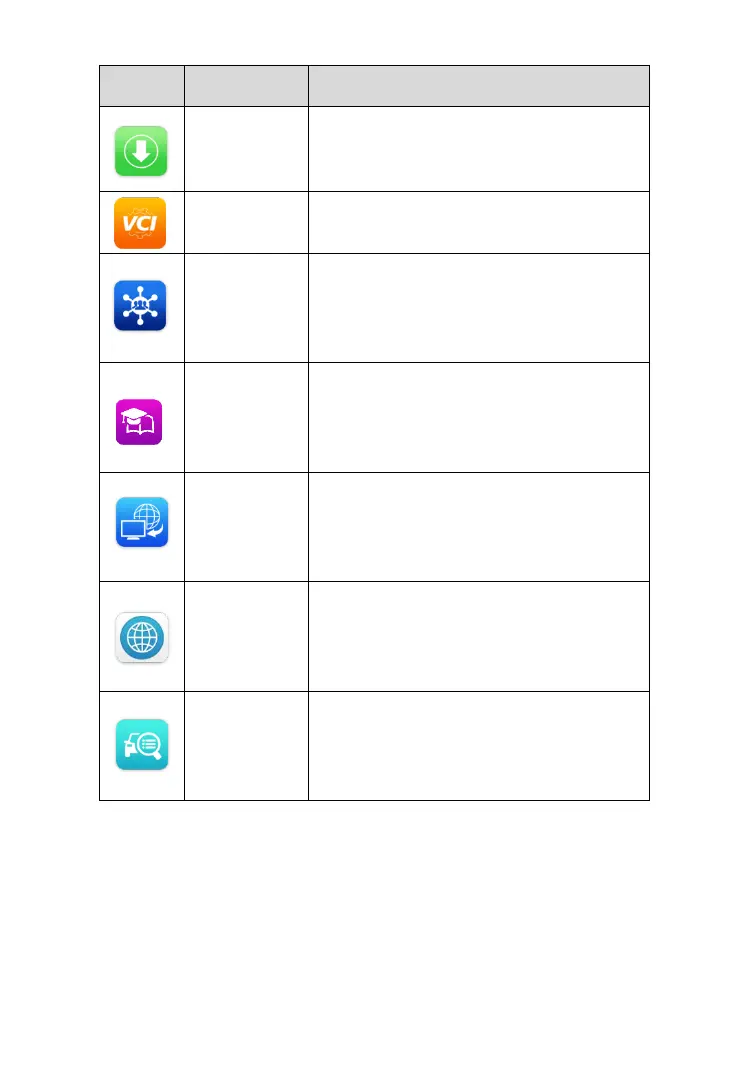
Accesses system software update
menu. See Update on page 131 for
details.
Accesses VCI connection menu. See
VCI Manager on page 135 for details.
Launches the Support platform that
synchronizes Autel’s on-line service
base station with the MaxiPRO tablet.
See Support on page 137 for details.
Accesses technical tutorials and training
articles about the device or vehicle
diagnostic techniques. See Academy on
page 145 for details.
Configures your unit to receive remote
support using the TeamViewer
application. See Remote Desk on page
146 for details.
Displays associated website bookmarks
for quick access to product update,
service, support and other information.
See Quick Link on page 148 for details.
Displays supported functions and
vehicles coverage for Autel diagnostic
tools. See Function Viewer on page 149
for details.
Locator and Navigation Buttons
Navigation icons display on the bottom of the tablet screen. The tablet below
lists the icons functions.


 To Next Page