88
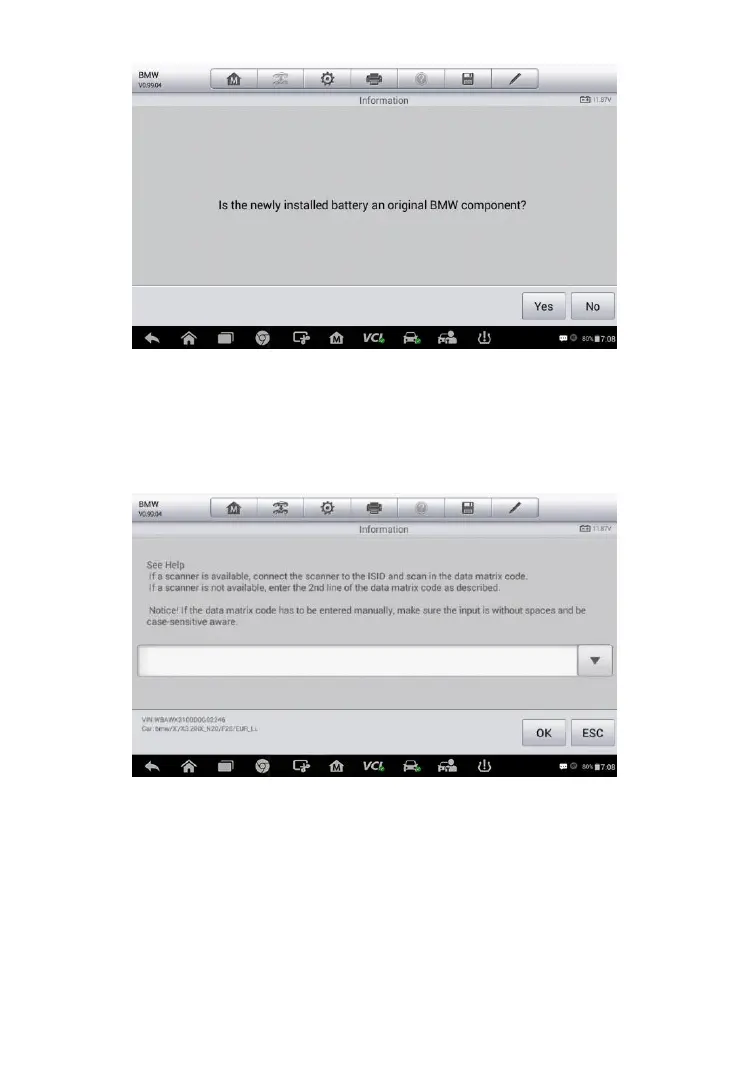
1. Read carefully the information on the screen and tap Yes to continue.
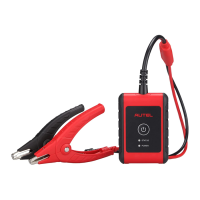
2. Follow the on-screen instructions to input the data matrix code of the
newly installed battery that should be on the label of the battery. Tap OK
to continue.
3. When the battery exchange is successfully entered, tap Continue to
exit.
Figure 6-15 Sample BMS Screen 6
Figure 6-16 Sample BMS Screen 7


 To Next Page