11
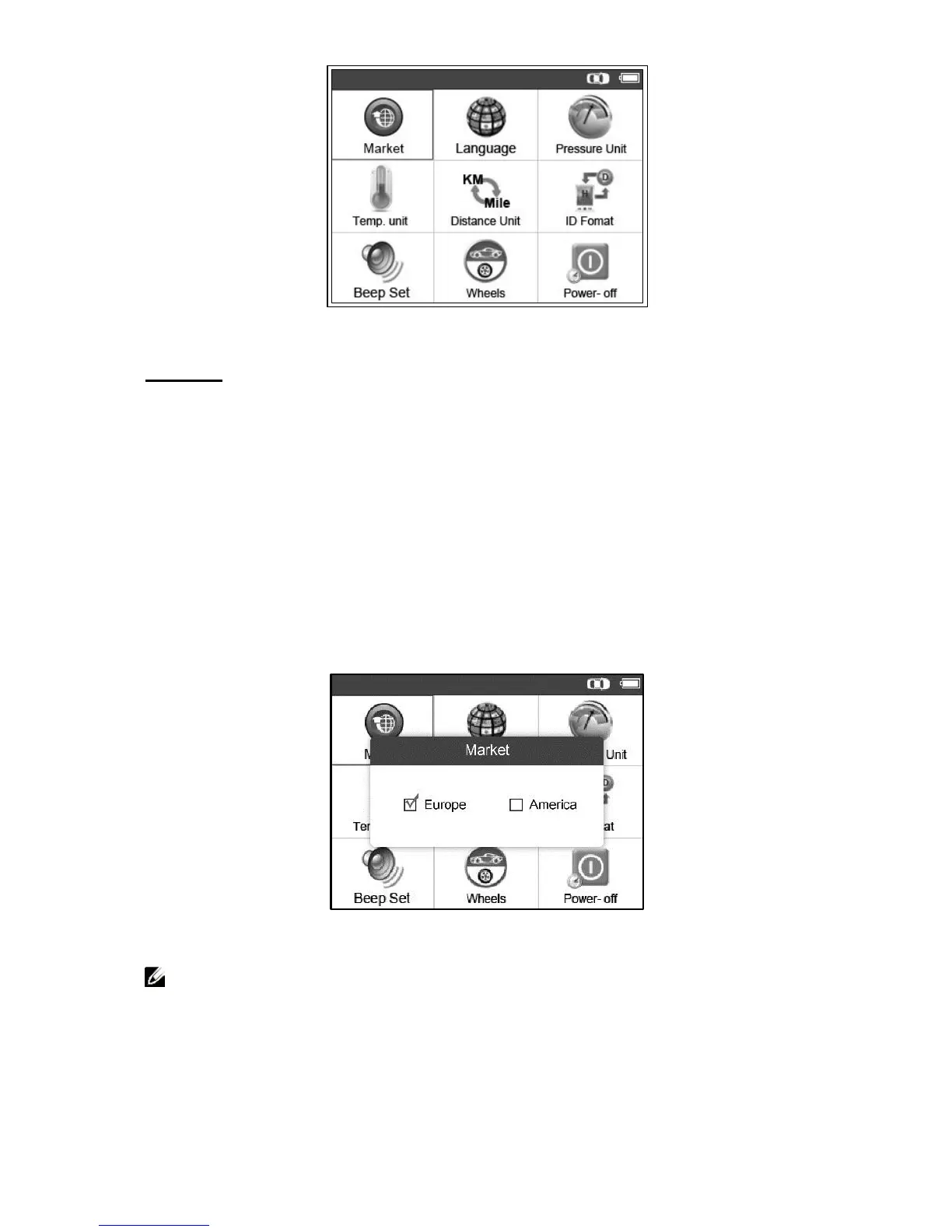
Figure 3.2
Market
This function allows you to switch among the supported corresponding
models for European and American areas.
1) From System Setting screen, use the UP/DOWN scroll button and
the LEFT/RIGHT scroll button to select Market, and press the Y
button.
2) From Market screen, use the LEFT/RIGHT scroll button to select
the work area.
3) The tool will load the new database for the selected zone.
Figure 3.3
NOTE: The Market Setting is available for Global version only.
The SD card is required to get the data when changing the market
area. Please select the correct Market before testing.


 To Next Page