30
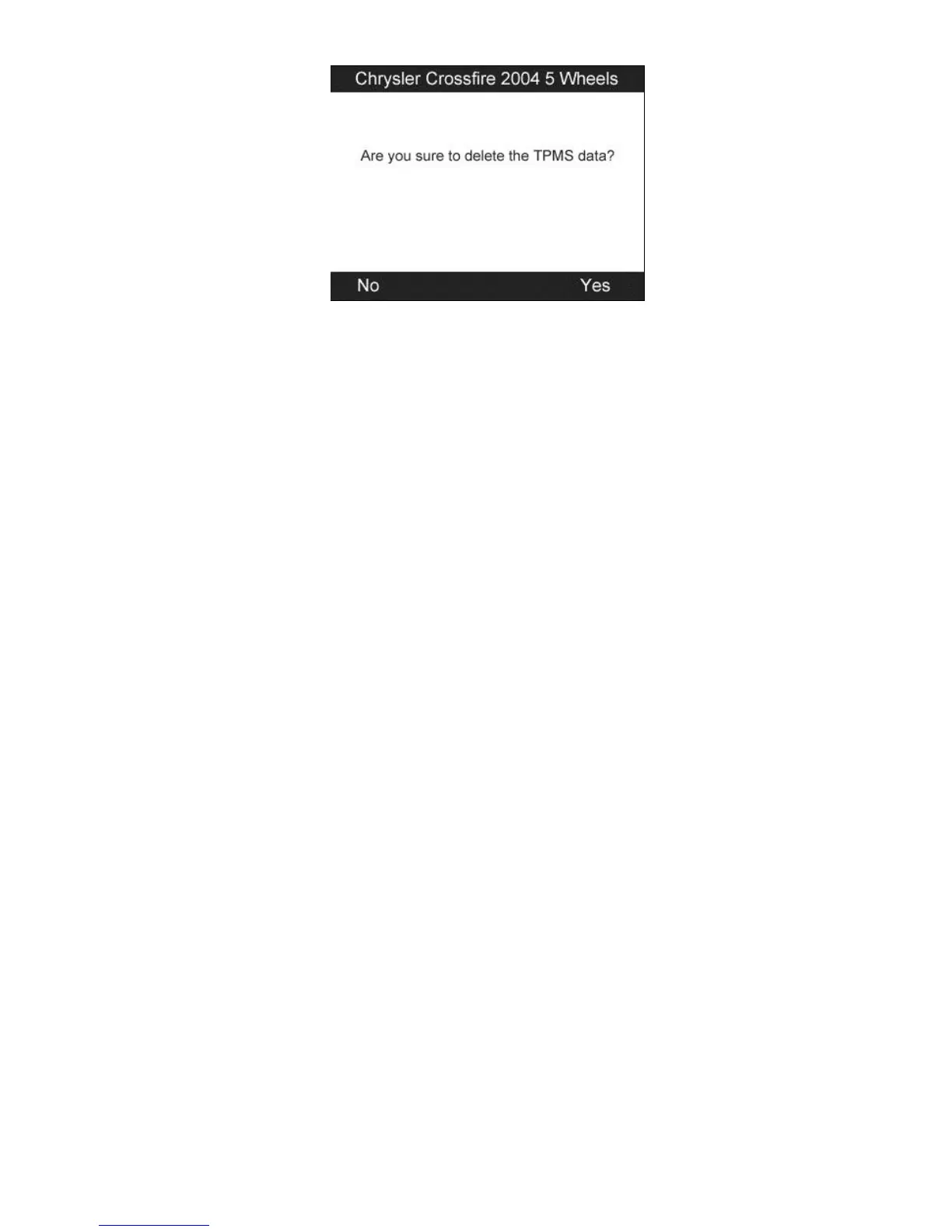
Figure 4.17
4) Press the Y button to delete all test records and enter test mode. Or
press the N button to reserve the previous data and check the
remaining untested sensors.
4.2 TPMS Relearn
This function, which provides users with quick access to the vehicle’s
ECU, enables users to do TPMS diagnostics, such as reading/writing
sensor IDs on vehicle ECU and reading/ clearing codes of TPMS
system, and to save data for later reviews and printing.
1) Connect the TPMS tool to the vehicle’s DLC with the OBD II
cable. Press the POWER button to turn on the tool.
2) Turn the ignition on but do not start the engine.
3) Make sure the testing mode is set to All Wheels mode in System
Setting.
4) Follow the same process in 4.1 TPMS Sensor Check to enter the
activation screen. Use the UP/DOWN scroll button or
LEFT/RIGHT scroll button to select the TPMS Relearn function
on the upper right corner of the screen (Figure 4.18).


 To Next Page