32
For some vehicles users may be asked to choose the specific
engine model or other features before turning to the function menu.
The procedure may vary by the vehicle being tested.
NOTE: In this manner, the scan tool will communicate with the
vehicle being tested. If there is a linking error, a notice screen will
show up. Please refer to 3.9 Product Troubleshooting for more
details.
Write IDs to Vehicle
There are two ways to write IDs to vehicle:
1) Select OBD II Relearn to write IDs to vehicle directly without
performing further procedures (Figure 4.19).
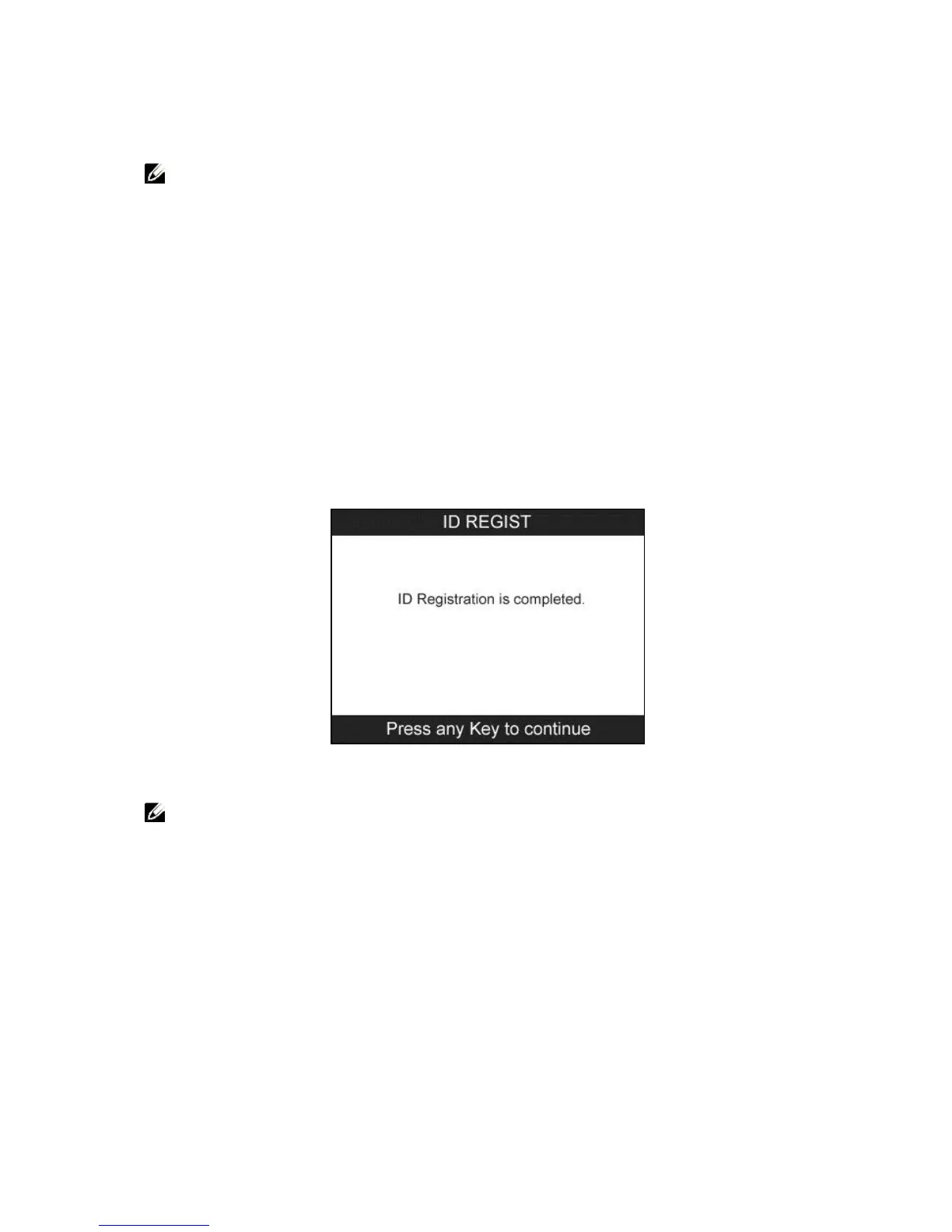
Once the sensor IDs are successfully written, a confirm screen will
show up. Press any key to continue.
Figure 4.20
NOTE: The OBD II Relearn function is not supported by all
vehicles. If the OBD II Relearn item doesn’t present, please write
the ID by Write IDs to Vehicle under TPMS Diagnosis.
2) From TPMS Diagnosis Menu, use the UP/DOWN scroll button
to select the Write IDs to Vehicle, and press the Y button.


 To Next Page