54
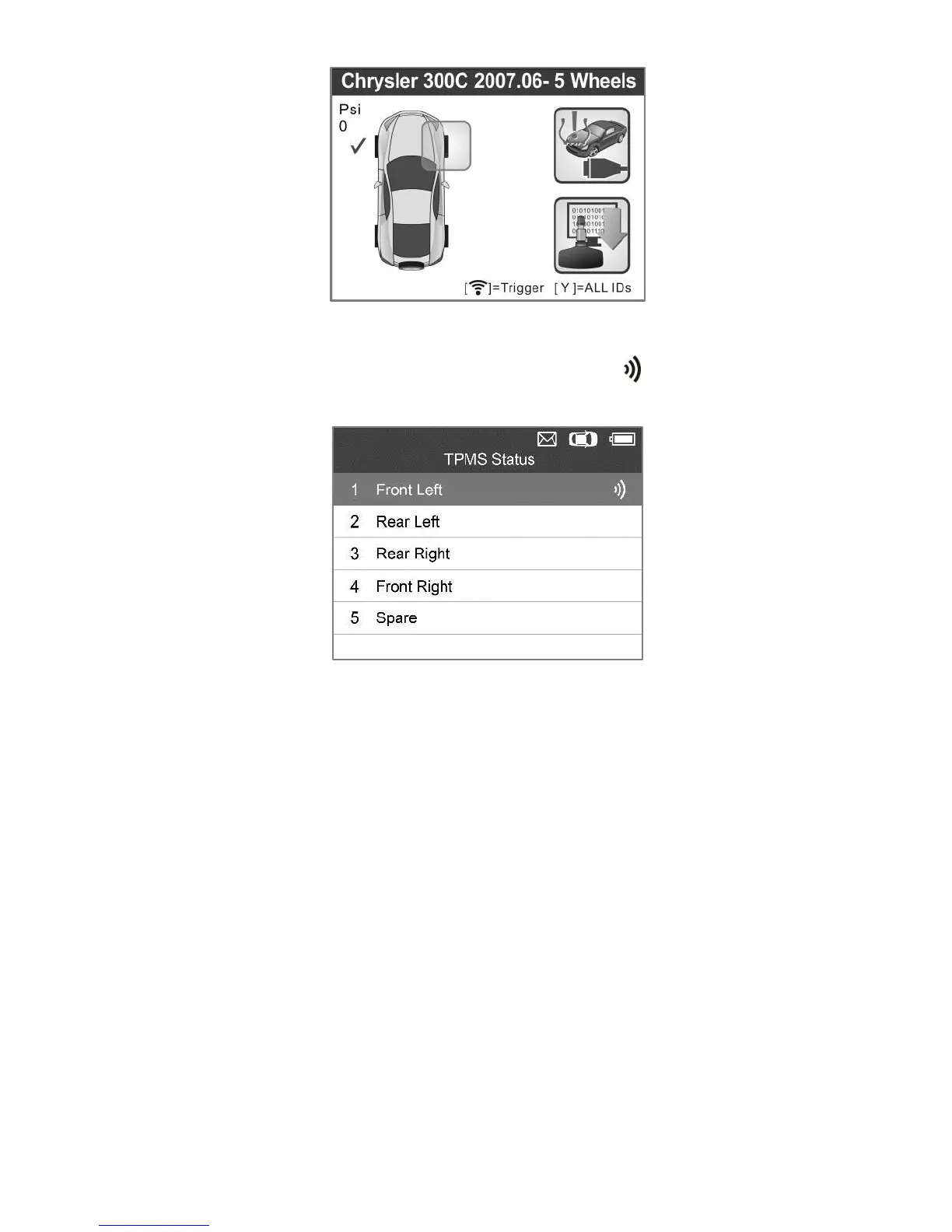
Figure 5.29
2) Select MX-Sensor icon and a trigger mark will appear on the
right side of the screen.
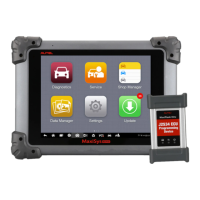
Figure 5.30
3) Use the UP/DOWN scroll button to select the corresponding
wheel, press the Y button.
4) Select Copy by Activation, insert the correct MX-Sensor into the
sensor slot, and then press the Y button to start programming the
retrieved sensor information to the MX-Sensor.


 To Next Page