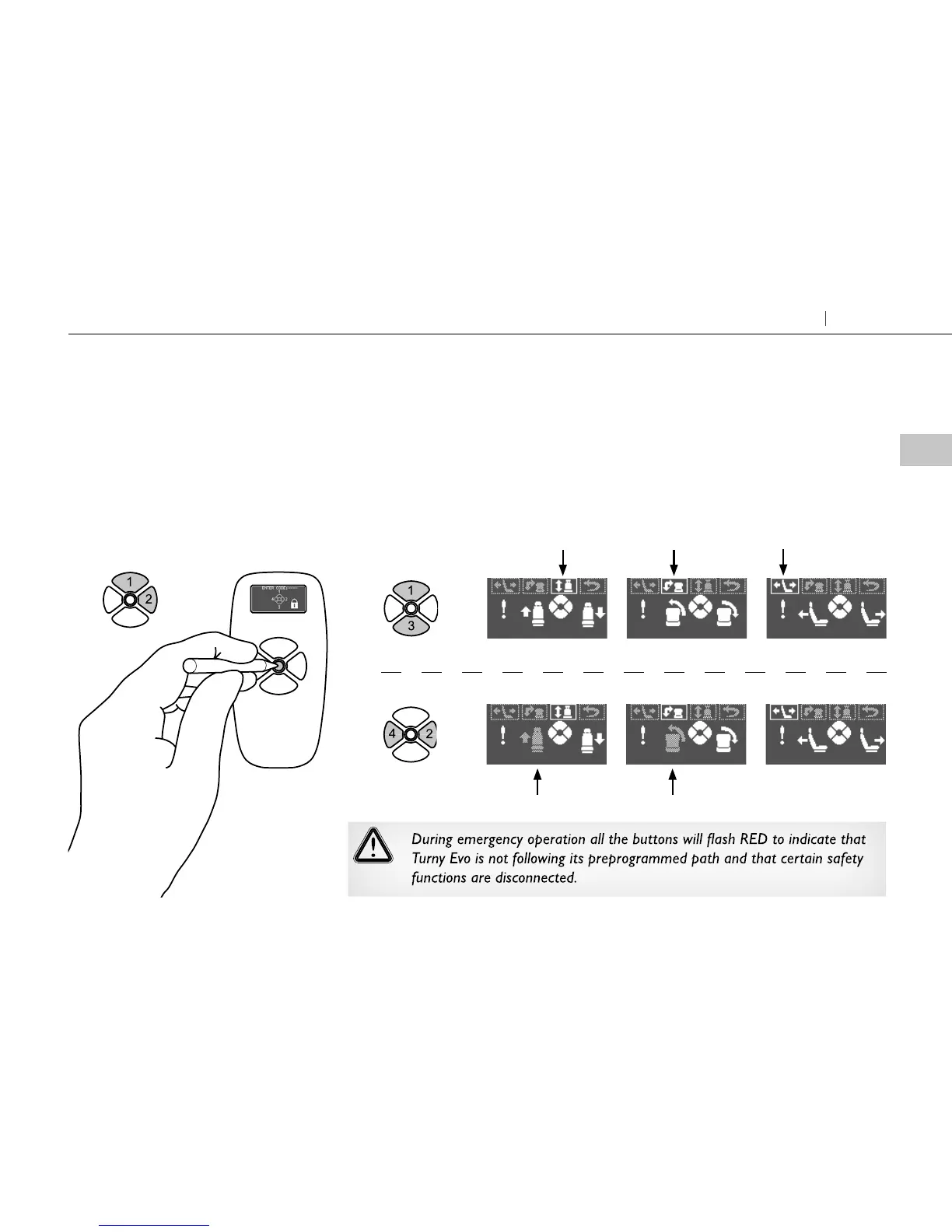
Activate the emergency oper-
ating menu
Hold down the yellow button until
the picture ”enter code” is displayed.
Then enter the code1, 1, 1, 2
1
Swivel the seat in
The seat must be lifted all the way up and swiveld all the way in. Switch between
movements and directions until the “up” and ”in” symbols have greyed out.
Note that the symbol for ”in” is laterally inverse in a left-side Turny Evo.
2
Lift Swivel
Activate direction
Select movement
Lengthwise
Up In
9
Getting seated Turny Evo



 To Next Page