EasyManua.ls Logo

Automatic Technology DOMINATOR EasyRoller - User Manual

Automatic Technology DOMINATOR EasyRoller
32 pages
Print Icon
To Next Page IconTo Next Page
Loading...
FOR LIGHT-DUTY COMMERCIAL DOOR USE ONLY
Doc # 160402_01
Part # 87035
Released 28/05/19
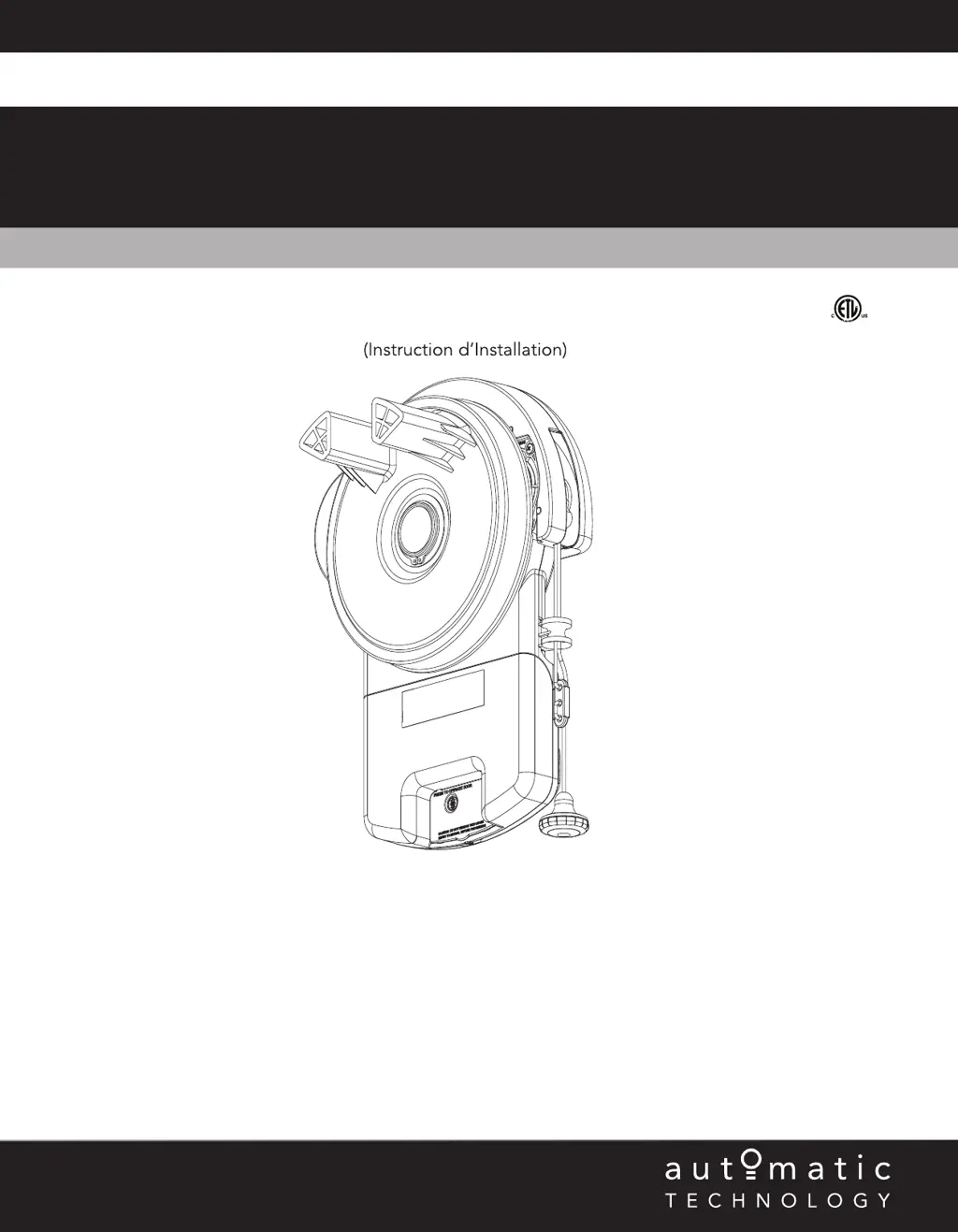
Light-duty Commercial Rolling Door Opener
DOMINATOR
EasyRoller
®
Instruction Manual
(Instruction d’Installation)
4008033
Conforms to UL 325
Certified to CSA
C22.2 No.247

Table of Contents

Questions and Answers

Summary

Safety Information

System Specifications

Kit Contents

Setup Requirements

The Opener

Details the specific requirements and placement for the opener unit.

Unsuitable Door Types

Identifies door types that are incompatible with this opener.

Sideroom

Specifies the necessary side clearance measurements for installation.

Operator Safety & Security

Your Door CAN NOT be used by the opener when:

Lists conditions where the opener cannot operate the door.

Your Door CAN be used when:

Outlines scenarios for manual door operation via the opener.

To Disengage the Opener

Step-by-step guide to manually disconnect the opener.

To Re-Engage the Opener

Step-by-step guide to manually reconnect the opener.

Installation Instructions

Door Preparation

Instructions for preparing the garage door prior to opener installation.

Fit the Weight Bar

Details on attaching the weight bar to ensure door stability.

Pinning the Door

Procedure for securing the door curtain to the drum for proper operation.

Proping the Door

Method for safely supporting the door during installation.

Mounting the Opener

Instructions for physically mounting the opener unit onto the door mechanism.

Safety Beam Installation

Guide for installing the safety infra-red beam system.

Setting the Travel Limits

Procedure for configuring the door's maximum open and close positions.

Testing & Setting Safety Obstruction Force

How to test and adjust the opener's safety force settings.

Accessories

Information on connecting external accessories to the opener.

Coding Transmitters

Instructions for programming remote transmitters to the opener.

Auto-Close

Steps to enable and configure the automatic door closing feature.

Attach Warning Labels

Guidance on placing safety labels correctly on the door and wall.

Operation Instructions

How to Use Your Operator

Basic steps for operating the door opener using the remote.

User Operating Controls

Explanation of the buttons and indicators on the opener unit.

Door Status Indicators

Interpretation of LED lights and beeper signals for system status.

User Maintenance Instruction

Door Maintenance

Recommended regular maintenance for the garage door.

If You Need a Service Call

Information to have ready when requesting service.

Troubleshooting

Customer Agreement & Warranty

Dispute Resolution

Control Kit Bundle Terms

Automatic Technology DOMINATOR EasyRoller Specifications

General IconGeneral
BrandAutomatic Technology
ModelDOMINATOR EasyRoller
CategoryDoor Opening System
LanguageEnglish

Related product manuals