EasyManua.ls Logo

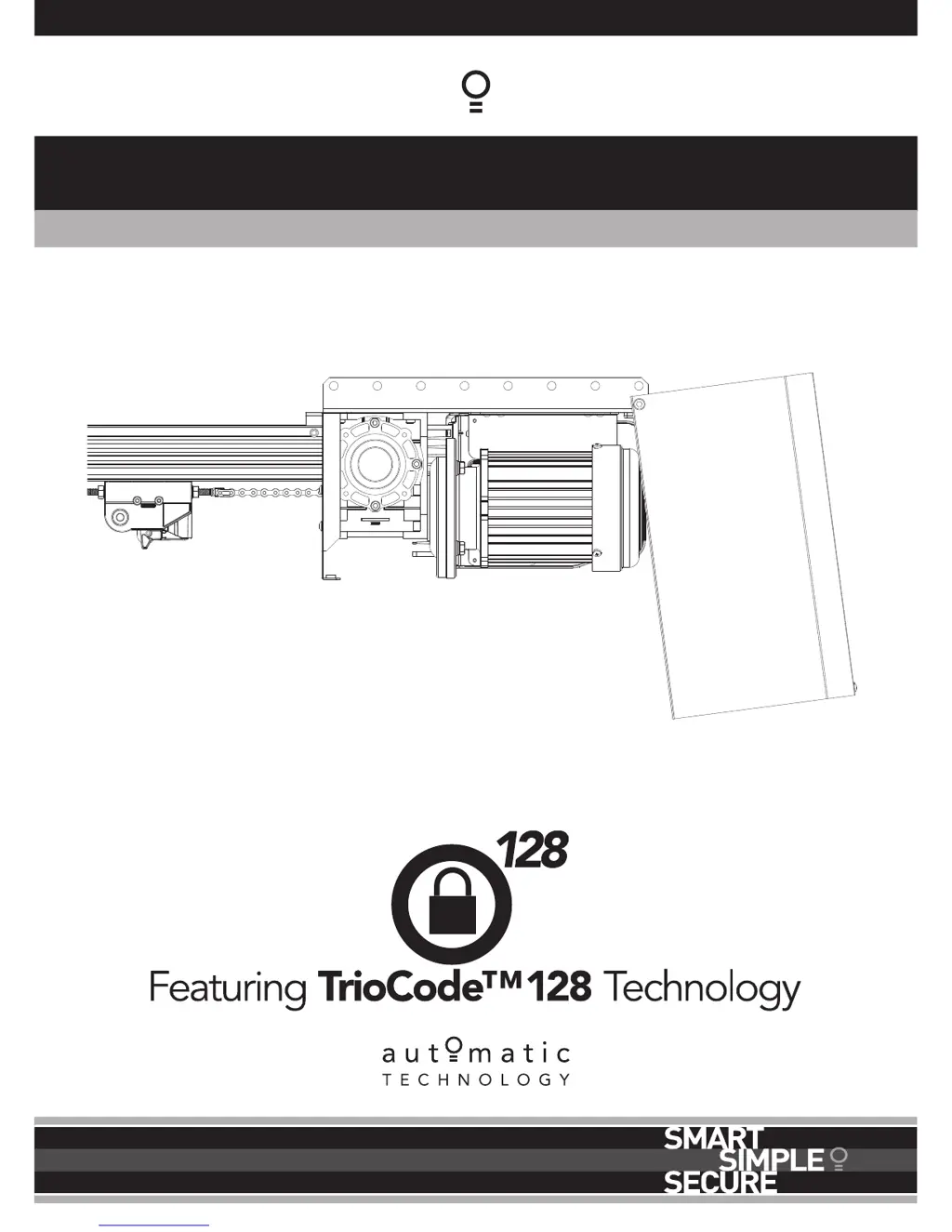
Automatic Technology Axess Pro 1505 - User Manual

Automatic Technology Axess Pro 1505
32 pages
Print Icon
To Next Page IconTo Next Page
Loading...
Doc # 160052_01
Part # 13436
Released 25/06/15
Axess
®
Pro 1505
Industrial Overhead Door Opener

Table of Contents

Questions and Answers

  • R
    Robert CummingsAug 15, 2025
    What to do if Automatic Technology Axess Pro 1505 opener overloads?
    • K
      Kristina Johnson MDAug 15, 2025
      If the Automatic Technology Door Opening System opener overloads, first, check if the door is locked and unlock it. If the issue persists, the door tracks or hardware might be damaged, requiring service or repair by a qualified technician. Lastly, the full load current settings might be too low, requiring adjustment in menu 2.1.
  • J
    Jennifer HoffmanAug 18, 2025
    Why Automatic Technology Door Opening System operates from logic console but not from transmitter?
    • M
      Mark HopkinsAug 18, 2025
      If your Automatic Technology Door Opening System door operates from the logic console but not from the transmitter, first ensure the transmitter code is stored in the opener’s memory. Also, check if transmitter operation is disabled from the time clock and enable it if necessary. Another potential cause is the opener being in 'Vacation Mode,' which you should turn off. Finally, check the transmitter battery and replace it if it's flat.
  • L
    Lisa FloresAug 21, 2025
    Why Automatic Technology Axess Pro 1505 door does not close with transmitter?
    • W
      wgonzalezAug 22, 2025
      If the Automatic Technology Door Opening System door does not close with the transmitter, first check if Safety Close Mode is enabled and turn it off. Next, verify that your transmitter uses TrioCodeTM128 Technology, indicated by grey buttons and model number V2 on the back. If it doesn't, contact your dealer for support. Also, ensure that the Safety Beams are installed and functioning correctly.
  • L
    Lisa DavisAug 25, 2025
    Why is Automatic Technology Axess Pro 1505 Door Opening System auto-close not working?
    • H
      Heather BarberAug 26, 2025
      If the Automatic Technology Door Opening System auto-close is not working, start by ensuring a Safety Beam is installed. If it is installed, check the Safety Beam and its wiring for faults and repair or replace as needed. Make sure the Safety Beam optics are correctly aligned and that there are no obstructions in the path of the Safety Beam. Also, make sure that the door is not obstructed when closing or opening. Finally, verify that the Auto-Close time is properly set.
  • N
    nataliegreeneAug 28, 2025
    How to fix Automatic Technology Axess Pro 1505 door that will not close fully?
    • J
      Jeffrey ThompsonAug 29, 2025
      If the Automatic Technology Door Opening System door will not close fully, it may be because the door limit positions need to be reset. Also, make sure to clear any obstructions.
  • K
    Kelly RichSep 1, 2025
    How to fix Automatic Technology Door Opening System door that will not open fully?
    • K
      Kathryn EvansSep 1, 2025
      If the Automatic Technology Door Opening System door will not open fully, it may be because the door limit positions need to be reset. Also, make sure to clear any obstructions.
  • T
    Timothy ColemanSep 4, 2025
    What to do if Automatic Technology Axess Pro 1505 logic console displays 'Drive Disengaged'?
    • E
      Emily FrankSep 4, 2025
      If the Automatic Technology Door Opening System logic console displays 'Drive Disengaged', ensure that the hand chain is freely hanging.
  • J
    Jeremy McdonaldSep 7, 2025
    How to troubleshoot a blank display screen on Automatic Technology Axess Pro 1505 Door Opening System?
    • J
      jamesrichardsonSep 8, 2025
      If the Automatic Technology Door Opening System display screen is blank, first ensure that the mains power is switched on. If the screen remains blank, check that the communication cable is properly connected. Finally, verify that the drive unit cover is securely installed.
  • V
    Vanessa BushSep 12, 2025
    What to do if pressing close button opens the Automatic Technology Axess Pro 1505 Door Opening System during limit setting?
    • W
      William MezaSep 12, 2025
      If, during limit setting, pressing the close button causes the Automatic Technology Door Opening System door to open, the motor may be running in the wrong direction. To correct this, change the motor direction by pressing the stop button on the logic console once.

Automatic Technology Axess Pro 1505 Specifications

General IconGeneral
BrandAutomatic Technology
ModelAxess Pro 1505
CategoryDoor Opening System
LanguageEnglish

Related product manuals