EasyManua.ls Logo

Automatic Technology DOMINATOR EasyRoller 14 - User Manual

Automatic Technology DOMINATOR EasyRoller 14
28 pages
Print Icon
To Next Page IconTo Next Page
Loading...
FOR USE WITH EITHER RESIDENTIAL OR
LIGHT-DUTY COMMERCIAL DOORS
Doc # 160490_01
Part # 100647
Released 20/12/22
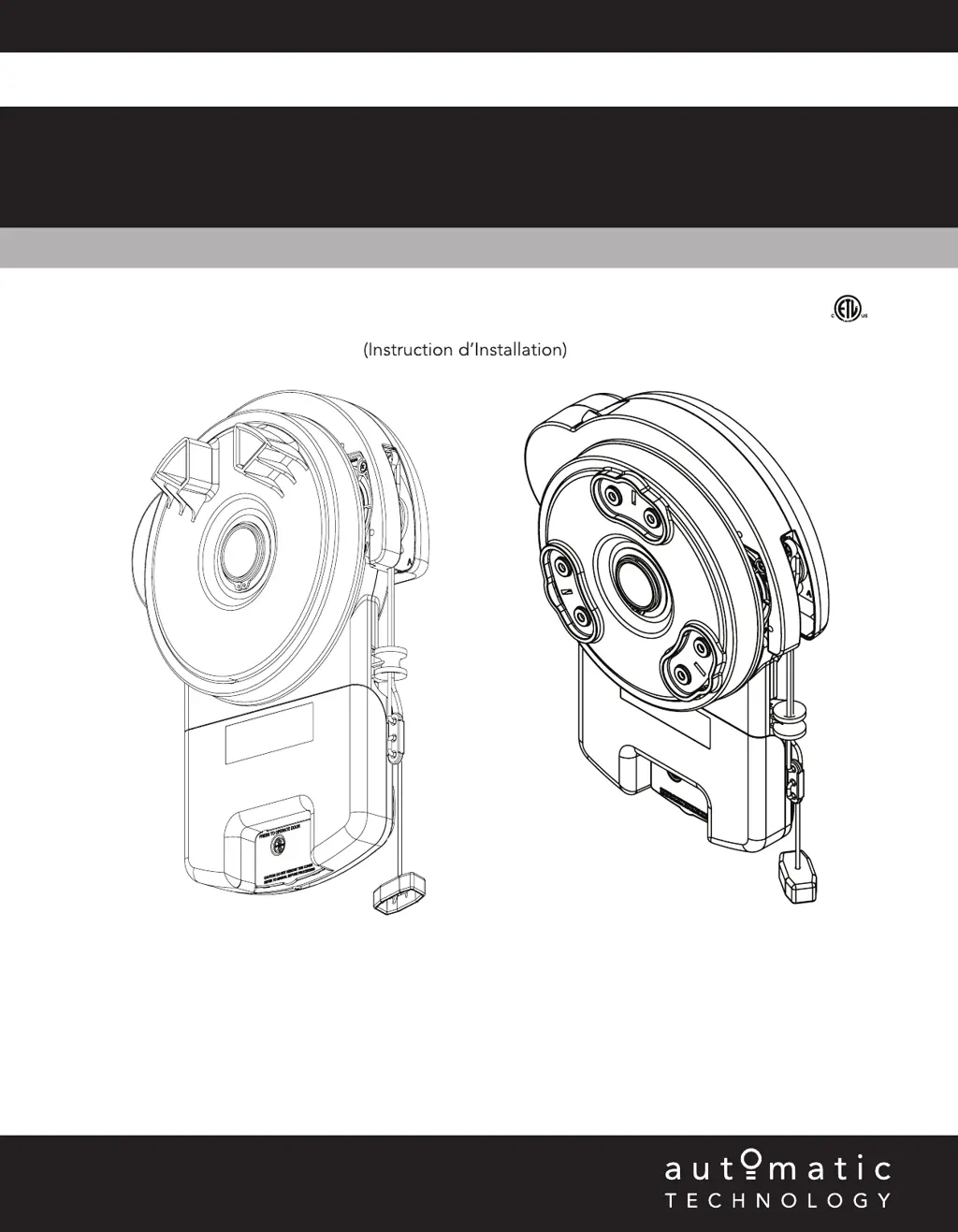
Rolling Door Opener
DOMINATOR
EasyRoller
®
14
Instruction Manual
(Instruction d’Installation)
4008033
Conforms to UL 325
Certified to CSA
C22.2 No.247
GDO-6V5AM
GDO-6V5CAM

Table of Contents

Questions and Answers

Summary

System Specifications

Safety Information

Important Safety Rules Overview

Key safety guidelines for operating and installing the garage door opener.

Kit Contents

Tools Required for Setup

Lists the necessary tools for installation and setup of the opener.

Setup Requirements

Opener Installation Requirements

Details essential requirements for installing the opener, including power and sideroom.

Unsuitable Door Types

Identifies door types that are not compatible with the opener.

Sideroom Clearance Guidelines

Specifies the minimum side clearance required for opener installation.

Operator Safety and Security

Door Operational Restrictions

Conditions under which the door cannot be operated by the opener.

Manual Disengagement and Re-engagement

Instructions on how to manually disengage and re-engage the door opener.

Installation Instructions

Critical Installation Warnings

Crucial warnings and instructions for safe and correct installation.

Door Preparation and Weight Bar

Prepare the Garage Door

Steps to prepare the garage door itself before installing the opener.

Fit the Weight Bar

Instructions for fitting the weight bar to ensure proper door operation and prevent ballooning.

Door Pinning and Propping

Pin the Door to Drum

Mandatory procedure to secure the door curtain to the drum for proper entrapment protection.

Prop the Garage Door Securely

Steps to prop the door securely during installation to prevent accidental movement.

Mounting the Opener

Raise and Position Door

Instructions on how to safely lift and position the garage door for opener mounting.

Install Prongs or Drum Adaptor

Steps for installing either the prongs or the drum adaptor onto the opener.

Mount the Opener Unit

Detailed steps for physically mounting the opener unit onto the door axle.

Safety Beam Installation

Install Safety Infra-Red Beam Kit

Introduction to the safety beam kit and its function in detecting obstructions.

Assemble Mounting Brackets

Guide to assembling the mounting brackets for the safety beam sensors.

Align Photo-Electric Beams

Instructions for aligning the photo-electric safety beams for proper operation.

Setting Travel Limits

Initial Preparation for Limit Setting

Initial steps and precautions before setting the door's travel limits.

Set Open and Close Limit Positions

Detailed procedure for setting the open and close limits for the door.

Travel Limit Adjustments

Clear Door Limit Positions

Procedure to clear previously set door travel limits.

Reset Controller Memory

Steps to reset the opener's controller to factory defaults.

Re-profile Door Travel Characteristics

Re-learning door travel characteristics for optimal safety performance.

Set PET Mode Position

How to set a specific preset position for pedestrian or pet access.

Safety Obstruction Force Testing

Test Closing Cycle Safety

Procedure to test the door's safety mechanism during the closing cycle.

Test Opening Cycle Safety

Procedure to test the door's safety mechanism during the opening cycle.

Adjusting Safety Obstruction Force

Increase Force Pressure

Steps to increase the force sensitivity of the safety obstruction feature.

Decrease Force Pressure

Steps to decrease the force sensitivity of the safety obstruction feature.

Recall Factory Set Force

How to restore the opener's default safety obstruction force settings.

Re-Profile Door Travel

Re-learning door travel characteristics for optimal safety performance.

Accessories and Wall Transmitter

Terminal Block Connections

Information about connecting accessories to the terminal block.

Install Wall Mounted Transmitter

Instructions for mounting and installing the wall-mounted remote control.

Transmitter Compliance Statements

Regulatory Compliance

Regulatory compliance statements for transmitters and receivers.

Coding Transmitters

Set Transmitter Codes

How to program remote controllers to operate the opener.

Remotely Code Transmitters

Method for coding new transmitters using an existing remote.

Code for Vacation Mode

Instructions for setting the opener to a vacation mode.

Code for AUX Output

How to code the auxiliary output for specific functions.

Transmitter Code Management

Code for PET Mode

How to set a specific preset position for pedestrian or pet access.

Code for Courtesy Light

Instructions for programming the courtesy light function.

Erase Stored Transmitter Code

Procedure to delete a specific stored transmitter code.

Erase All Transmitter Codes

How to erase all programmed transmitter codes from the opener.

Auto-Close Function

Auto-Close Safety Beam Requirement

Explains the role of safety beams in the auto-close function.

Enable and Configure Auto-Close

How to enable and configure the automatic door closing feature.

Attach Warning Labels

Placement of Safety Labels

Guidelines for correctly placing safety warning labels on the door and wall.

Operation Instructions and Safety

Critical Operation Safety Warnings

Essential safety warnings and precautions for operating the opener.

Using Your Garage Door Operator

Operate the Opener

Step-by-step guide on how to operate the garage door opener.

Replace Remote Control Battery

Instructions for replacing the battery in the remote control and wall transmitter.

User Controls and Indicators

Opener Control Buttons

Overview of the buttons on the opener and their functions.

Door Status Indicator Guide

Explanation of the various status LEDs and their meanings.

Troubleshooting Common Issues

Opener Not Working or Intermittent

Common problems with the opener and their suggested remedies.

User Maintenance and Service

Door Maintenance Procedures

Guidelines for regular maintenance of the garage door itself.

Information for Service Calls

Information to have ready when contacting a service technician.

Automatic Technology DOMINATOR EasyRoller 14 Specifications

General IconGeneral
BrandAutomatic Technology
ModelDOMINATOR EasyRoller 14
CategoryDoor Opening System
LanguageEnglish

Related product manuals