DL06 Micro PLC User Manual; 3rd Edition Rev. E
4–20
Chapter 4: System Design and Configuration
1
2
3
4
5
6
7
8
9
10
11
12
13
14
A
B
C
D
1
2
3
4
5
6
7
8
9
10
11
12
13
14
a
b
c
D
DL305 Series CPU Memory Type–to–MODBUS Cross Reference (excluding 350 CPU)
PLC Memory Type
PLC Base
Address
MODBUS
Base Address
PLC Memory
Type
PLC Base
Address
MODBUS
Base Address
TMR/CNT Current Values
R600 V0
TMR/CNT Status
Bits
CT600 GY600
I/O Points
IO 000 GY0 Control Relays CR160 GY160
Data Registers
R401,R400 V100 Shift Registers SR400 GY400
Stage Status Bits (D3-330P only)
S0 GY200
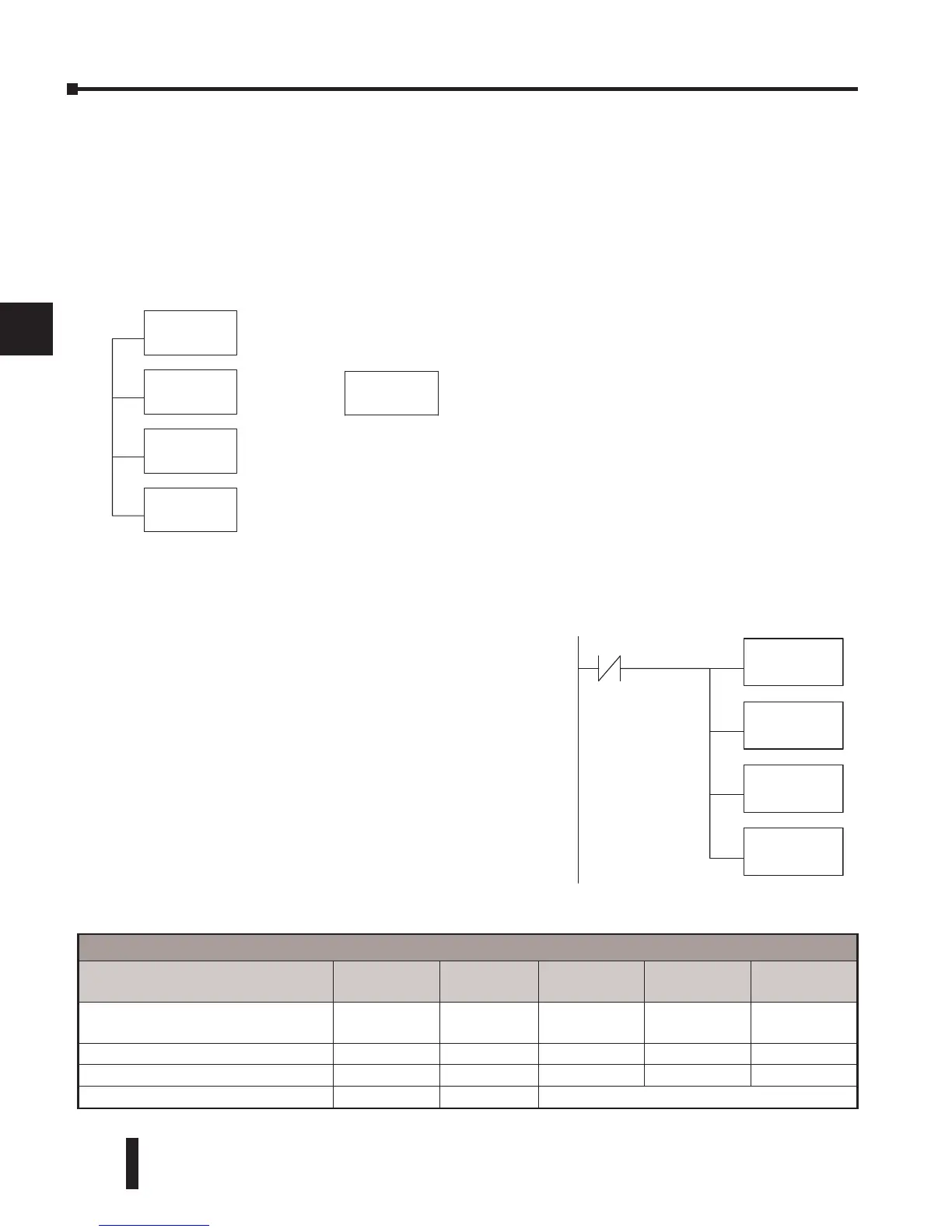
LD
KF201
LD
K64
LDA
O40600
RX
SP1
16
Y0
Step 4: Specify Slave Memory Area
The last instruction in our sequence is the WX or RX
instruction itself. Use WX to write to the slave, and
RX to read from the slave. All four of our instructions
are shown to the right. In the last instruction, you
must specify the starting address and a valid data type
for the slave.
• DirectNET slaves – specify the same address in the WX
and RX instruction as the slave’s native I/O address
• MODBUS DL405, DL205, or DL06 slaves – specify
the same address in the WX and RX instruction as the
slave’s native I/O address
• MODBUS 305 slaves – use the following table to
convert DL305 addresses to MODBUS addresses
LD
K101
LD
K4128
LDA
O4000
RX
V0
(a)
– – or – –
LD
K4050
(b)
The (a) K4128 indicates the instruction will read
128 bytes of MODBUS input registers (30001).
The (b) K4050 indicates the instruction will
read 50 bytes of MODBUS input registers
(30001). The value of 4 in the most significant
position will cause the RX to use MODBUS
function 4 (30001 range).
When using MODBUS, the RX instructions use function 3 by default, to read MODBUS holding
registers (Address 40001). The DL05/DL06, DL250-1/260, DL350, DL454 support function 04, read
input register (Address 30001). To use function 04, put the number “4” into the most significant position
(4xxx) of the total number of bytes. Four digits must be entered for the instruction to work properly with
this mode.



 To Next Page