DL06 Micro PLC User Manual, 3rd Edition, Rev. E
5-144
Chapter 5: Standard RLL Instructions
1
2
3
4
5
6
7
8
9
10
11
12
13
14
A
B
C
D
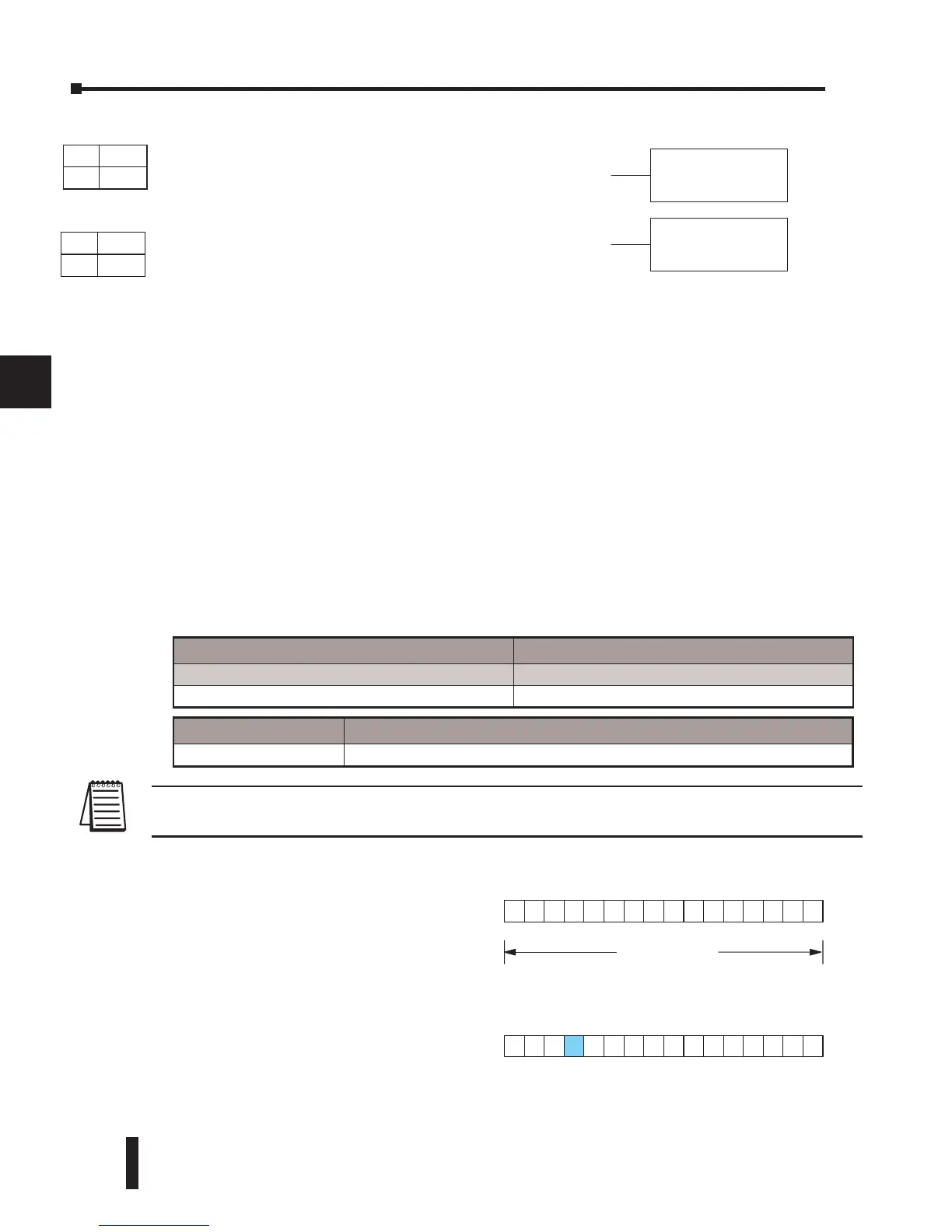
The following description applies to both the Set Bit and Reset Bit table instructions.
Step 1: Load the length of the table (number of V-memory locations) into the first level of the
accumulator stack. This parameter must be a HEX value, 0 to FF.
Step 2: Load the starting V-memory location for the table into the accumulator. This parameter
must be a HEX value. You can use the LDA instruction to convert an octal address to
hex.
Step 3: Insert the Set Bit or Reset Bit instruction. This specifies the reference for the bit number
of the bit you want to set or reset. The bit number is in octal, and the first bit in the
table is number “0”.
Helpful hint: — Remember that each V-memory location contains 16 bits. So, the bits of the
first word of the table are numbered from 0 to 17 octal. For example, if the table length is six
words, then 6 words = (6 x 16) bits, = 96 bits (decimal), or 140 octal. The permissible range of
bit reference numbers would be 0 to 137 octal. SP 53 will be set if the bit specified is outside
the range of the table.
NOTE: Status flags are only valid until the end of the scan or until another instruction that uses the
same flag is executed.
A aaa
SETBIT
A
aaa
RSTBIT
MS
7654321
16 bits
Operand Data Type DL06 Range
aaa
V-memory V See memory map
Discrete Bit Flags Description
SP53 On when the specified bit is outside the range of the table.
DS Used
HPP Used
DS Used
HPP Used
For example, suppose we have a table
starting at V3000 that is two words long,
as shown to the right. Each word in the
table contains 16 bits, or 0 to 17 in octal.
To set bit 12 in the second word, we
use its octal reference (bit 14). Then we
compute the bit’s octal address from the
start of the table, so 17 + 14 = 34 octal.
The following program shows how to set
the bit as shown to a “1”.
SETBIT
The Set Bit instruction sets a single bit to one within a
range of V-memory locations.
RSTBIT
The Reset Bit instruction resets a single bit to zero
within a range of V-memory locations.



 To Next Page