DL06 Micro PLC User Manual, 3rd Edition, Rev. E
5-270
Chapter 5: Standard RLL Instructions
1
2
3
4
5
6
7
8
9
10
11
12
13
14
A
B
C
D
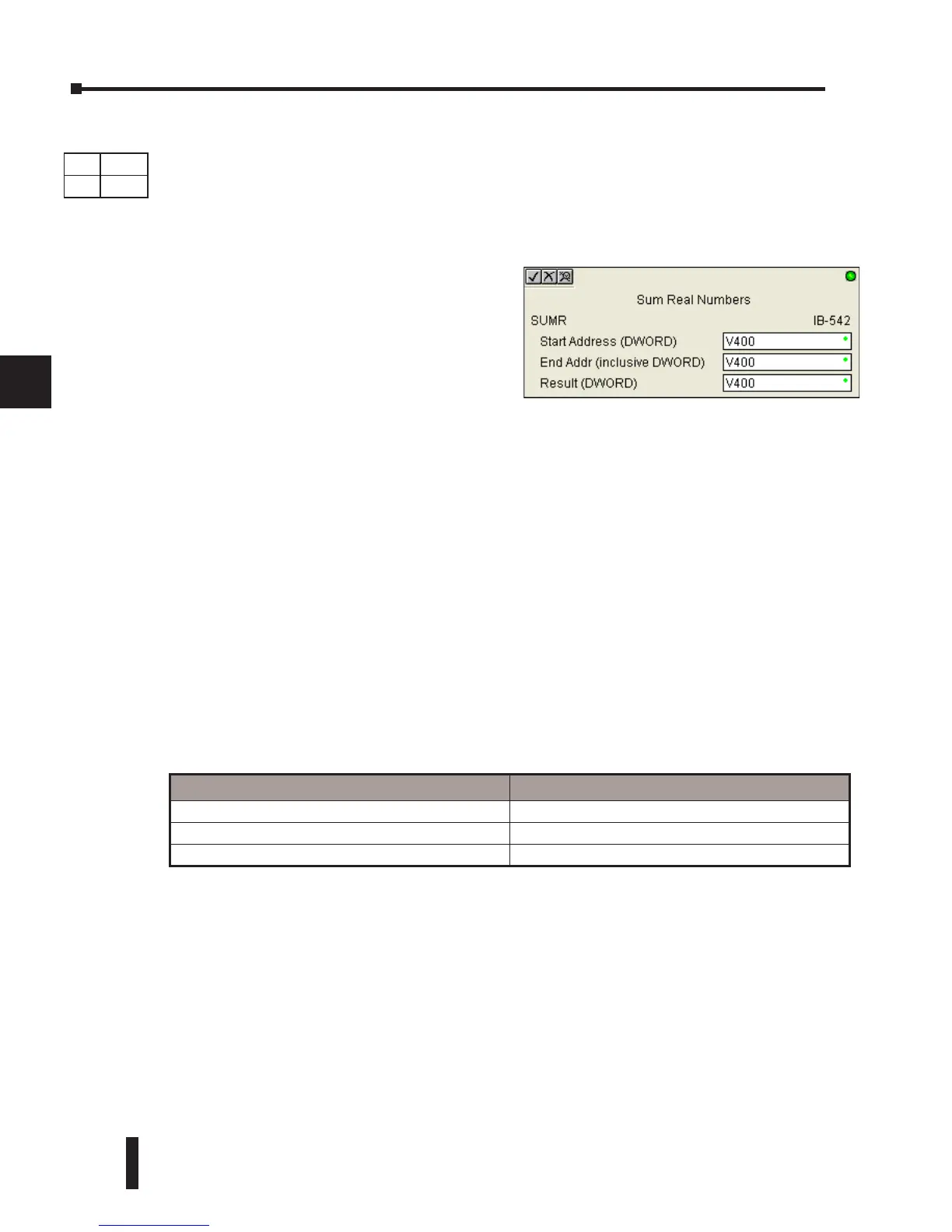
Sum Real Numbers (SUMR) (IB-542)
Sum Real Numbers sums up a list of consecutive REAL DWORD numbers into a REAL
DWORD result.
You specify the group’s starting and ending V- memory addresses (inclusive).
When enabled, this instruction will add up all the numbers in the group (so you may want to
place a differential contact driving the enable).
SUMR could be used as the first part of calculating an average.
SUMR Parameters
• Start Address (DWORD): specifies the starting address of a block of V-memory location values to be
added together (Real)
• End Addr (inclusive) (DWORD): specifies the ending address of a block of V-memory location
values to be added together (Real)
• Result (DWORD): specifies the location where the sum of the block of V-memory Real values will
be placed
Parameter DL06 Range
Start Address (inclusive DWORD) V See DL06 V-memory map - Data Words
End Address (inclusive DWORD) V See DL06 V-memory map - Data Words
Result (DWORD) V See DL06 V-memory map - Data Words
DS Used
HPP
N/A
Remember that Real numbers are DWORDs
and occupy 2 words of V-Memory each, so
the number of Real values summed up is equal
to half the number of memory locations. Note
that the End Address can be EITHER word of
the 2 word ending address, for example, if you
wanted to add the 4 Real numbers stored in
V2000 thru V2007 (V2000, V2002, V2004,
and V2006), you can specify V2006 OR
V2007 for the ending address and you will get
the same result.



 To Next Page