- 16 -
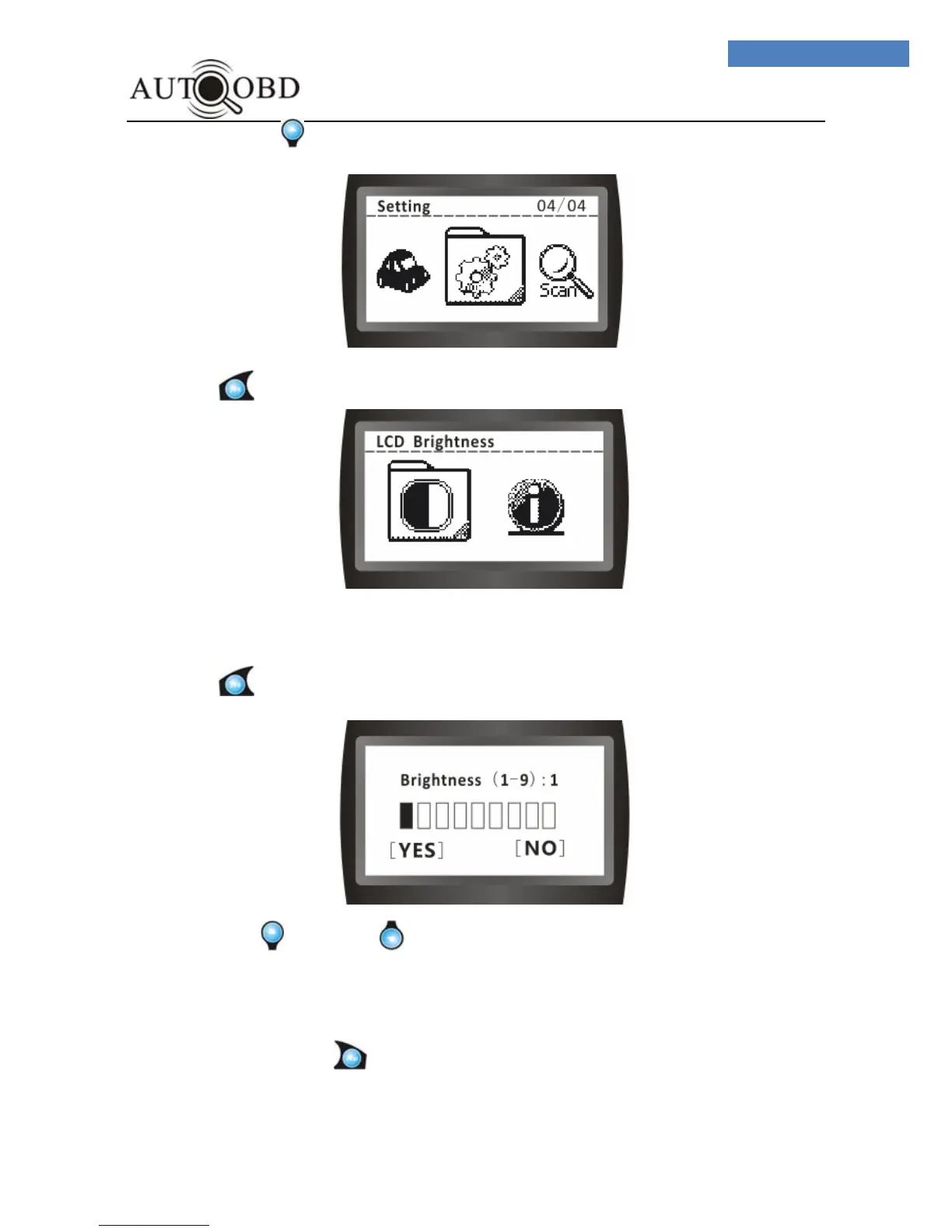
4 、 Press button, the screen will change to:
5、 Press button, the screen will change to:
6、 Press button, the screen will change to:
7、Press or button, button to increase or decrease the brightness
ranges from 1 to 9.
8、Once the brightness adjustment had been selected to your desired setting, press
YES button to exit to the main Menu.
9、To exit totally, press button, Exit Menu.



 To Next Page