- 19 -
Vehicle Diagnostic
When everything had been confirmed and checked as mentioned in Getting Started, the
testing operation can be carried out.
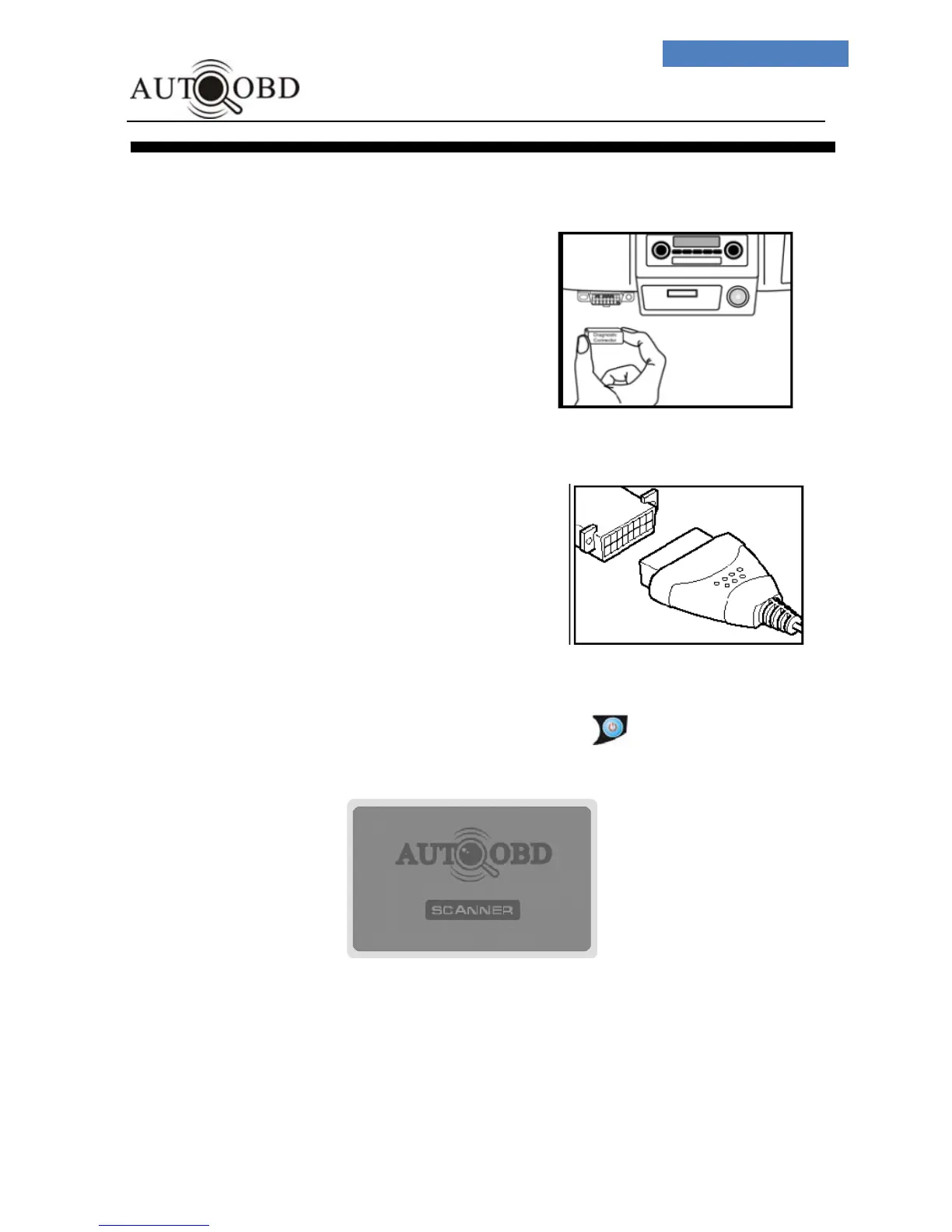
1. Locate the vehicle Diagnostic
Link Connector (DLC) and
make sure that the ignition
switch is in OFF position.
2. Connect the Scan Tool cable
connector to the vehicle’s DLC.
• If problem of connecting,
rotate it to 180
o
and try again.
3. When the connection has been established, Press button,
the Scan tool will light up and it will display as below:



 To Next Page