- 15 -
Settings & Adjustments
To enter the MENU Mode:
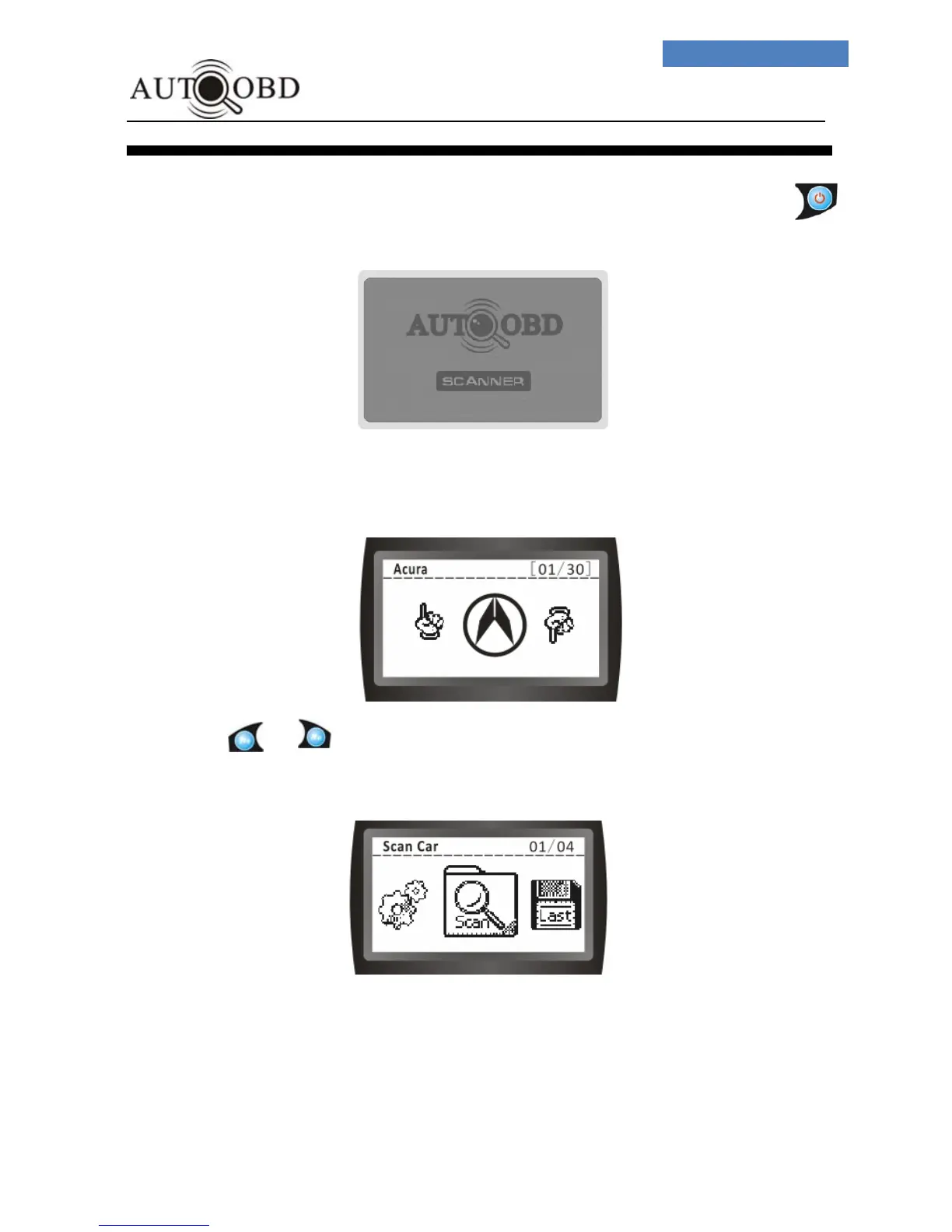
1、 Once the Scan Tool is powered up through the DLC connection,Press .
button, the wake up screen will display as below:
2、 After a few seconds, it will switch to:
3、 Press OR button, the screen will change to:



 To Next Page