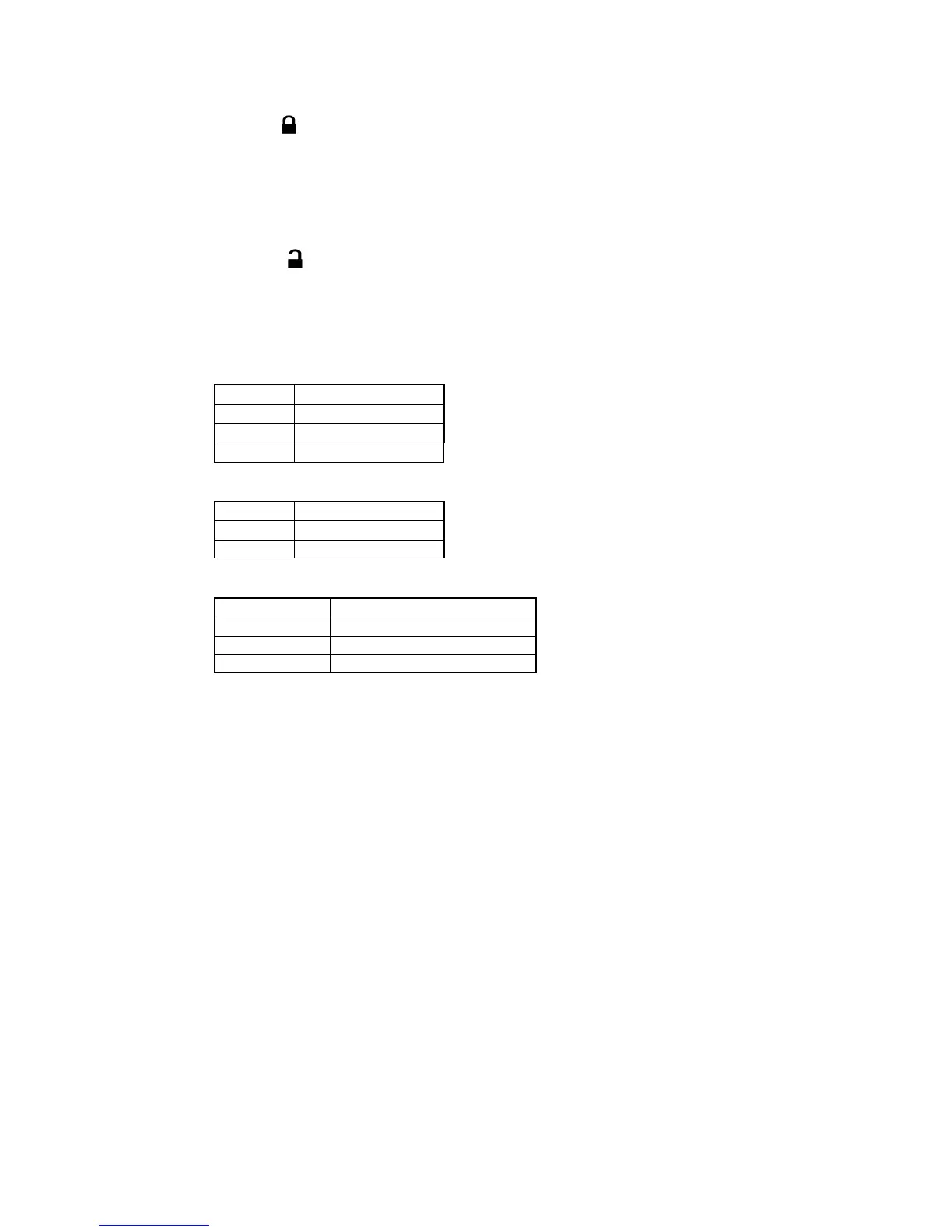
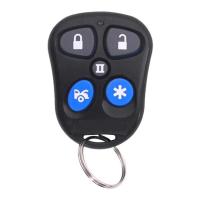
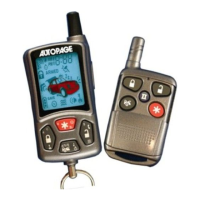
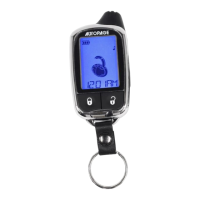
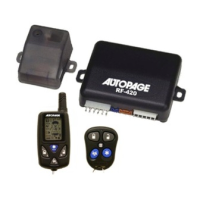
ACTIVE LOCK:
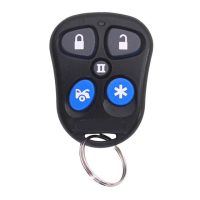
1. Press button on the transmitter.
2. The horn, if installed will chirp once and parking lights will flash once
indicating that the system is now active. The vehicle doors will lock
upon activating when interfaced with the keyless entry system.
ACTIVE UNLOCK:
1. Press button on the transmitter.
2. The horn will chirp twice and parking light will flash twice to indicating
that the keyless system is now unlocked. The vehicle doors will
unlock and dome lights will turn on for 30 seconds.
LED DISPLAY:
LED Function
Off Unlock
Slow Flash Locked
On (Solid) Valet Mode
CHIRP INDICATOR:
Chirp Function
1 chirp
Lock
2 chirps
Unlock
PARKING LIGHTS:
Parking light Function
1 flash
Lock
2 flashes
Unlock
Constant On
Under Remote Start
DEACTIVATING WITHOUT A TRANSMITTER
The Override function may be used if the remote transmitter is lost or
inoperative.
1. Enter the vehicle and turn the ignition switch to ‘ON’ position.
2. Within 10 seconds push and release the valet switch
VALET MODE:
The valet switch allows you to temporarily bypass all system function,
eliminating the need to hand your transmitter to parking attendants or
garage mechanics. When the system is in valet mode, and remote start
functions are bypassed, Enter Valet Mode:
1. From the Unlock condition, turn the ignition to “ON” position.


 To Next Page