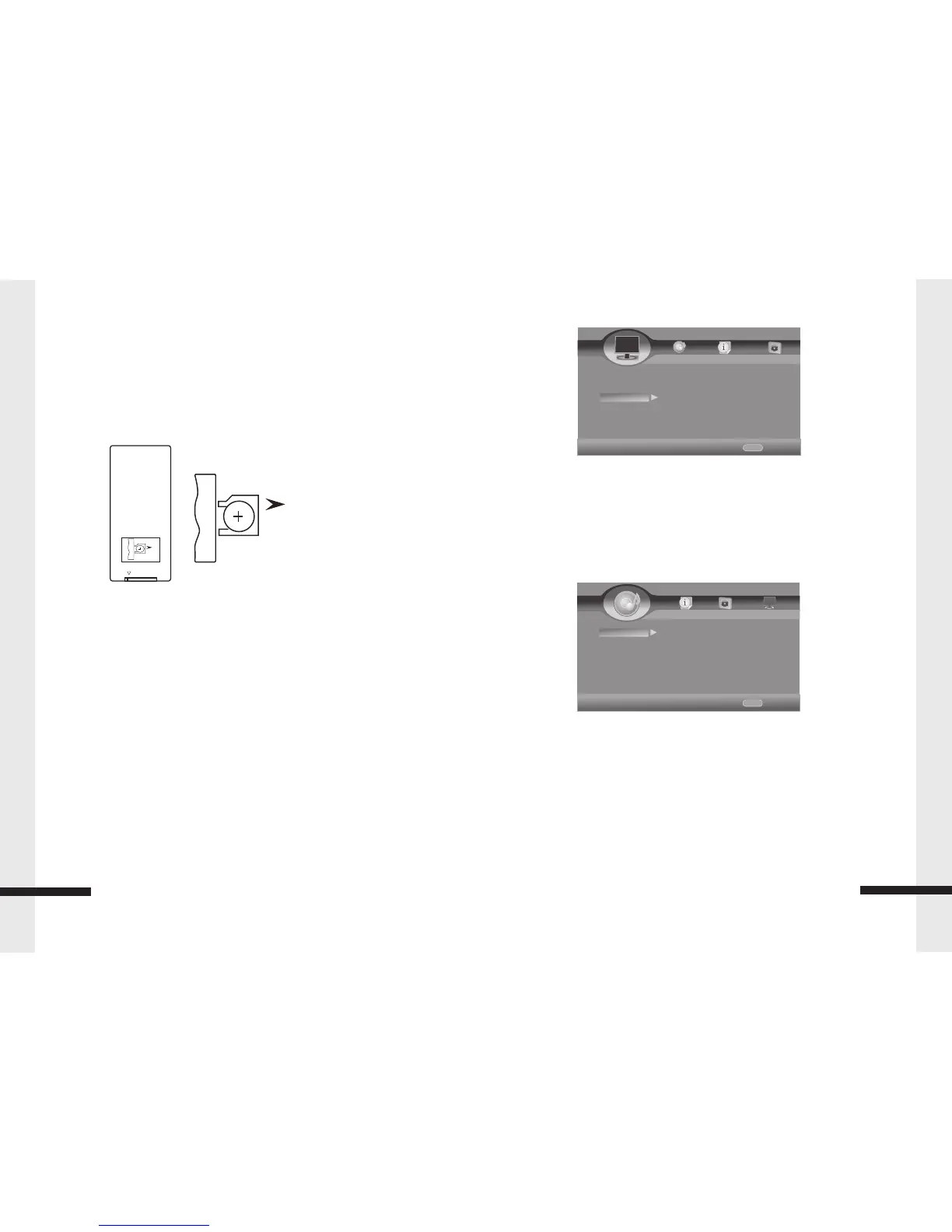
Setting up the Remote Control
Setting up your player
Installing remote control batteries
Please Note
Make sure that you insert the batteries correctly.
Do not heat, open, or short-circuit batteries.
Do not throw batteries into a fire.
Do not mix different types of batteries or mix old and new batteries.
Do not try to recharge non-rechargeable batteries.
If the remote control does not function correctly or if the operating range becomes
reduced, replace the batteries.
9
Setting up the Remote Control
Open
Inserting the Batteries
1.Open the battery compartment cover.
2.Insert the new batteries. Make sure that the positive and
negative terminals of the battery correct.
Open
RELE ASE
CR2025 3V
3.Close the cover
Battery: One button cell lithium battery.
Using the Remote Control Point the remote control towards the player
front face IR mark (remote control signal receiver), or the remote
extender. Operation angle: About ± 30 degree in each the direction of
the front of the IR mark or remote extender.
Audio Setting
Audio Output
Spdif- Set the Spdif mode
HDMI- Set the HDMI mode
Down_samp – 48K / 96K / 192K
DRC –Set the DRC mode
HOME
Exit
----Display Setting----
Home Menu
TV
Video process
Motion Video...
Use cursor key to move facus,use
“Enter”key to select
Video Mode Standard
HOME
Exit
----Audio Setting----
Home Menu
Audio Output Spdif
Speaker Sett... Down_samp 48k
Post Process DRC Auto
Use cursor key to move facus,use
“Enter”key to select
14
Audio Setting


 To Next Page