Setup Language
OSD –Set the onscreen display language.
Menu – Set the default Menu language where applicable.
Audio –Set the default Audio language where applicable.
Subtitle –Set the default subtitle language where available.
Playback
Closed Caption – Turn the caption on and off.
Angle Mark –Turn the angle mark on and off.
PIP Mark –Turn the PIP mark on and off.
Secondary Audio Mark –Turn the Secondary Audio Mark on and off.
Last Memory –Turn the last memory on and off.
PBC –Turn the PBC on and off.
HOME
Exit
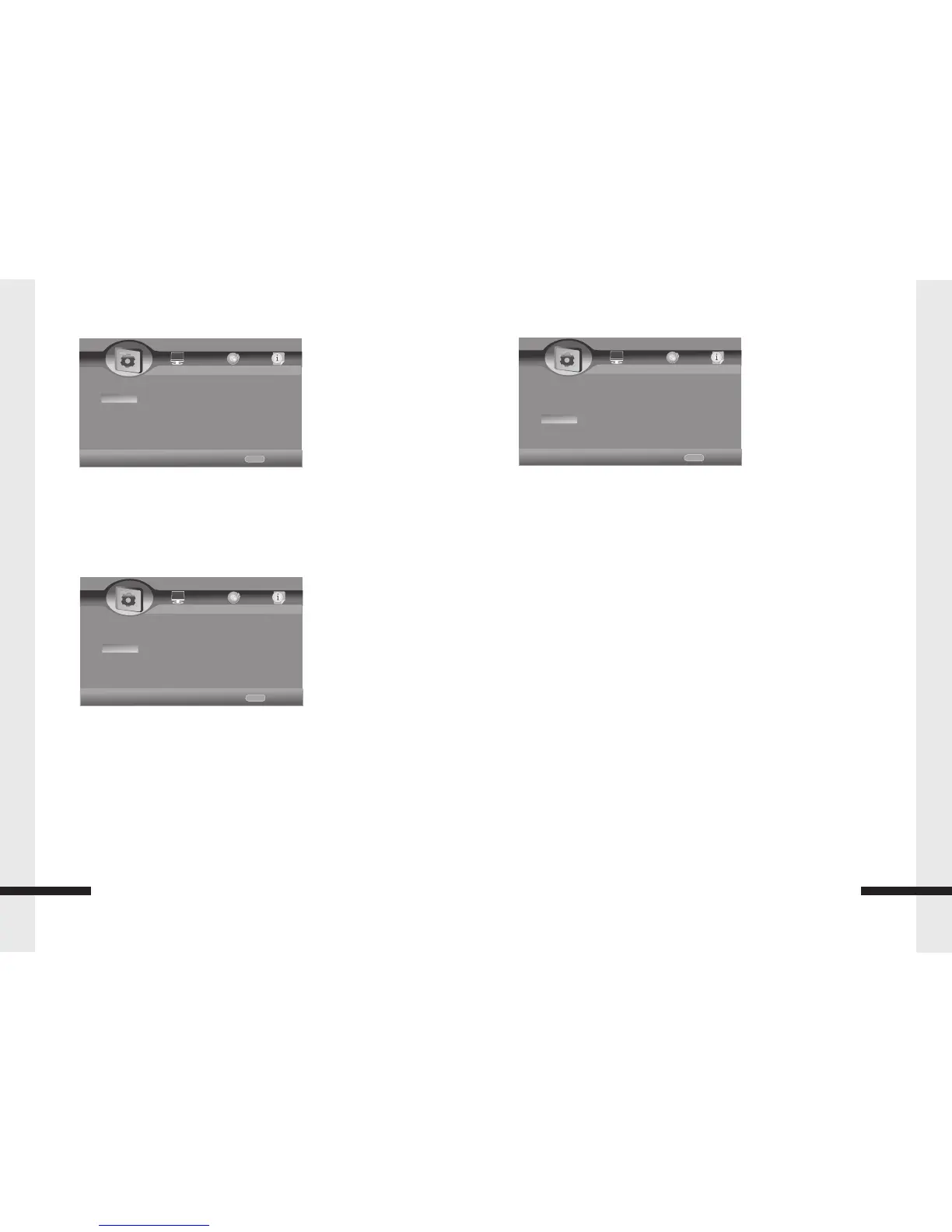
----General Setting----
Home Menu
System
Language
Playback
Security
Use cursor key to move facus,use
“Enter”key to select
OSD English
Menu English
Audio English
Subtitle English
HOME
Exit
----General Setting----
Home Menu
System
Language
Playback
Security
Use cursor key to move facus,use
“Enter”key to select
Closed Caption on
Angle Mark on
PIP Mark on
Secondary Audio.... on
11
General Setting
Security
Change Password – To change the password. ( Initial Users Password: 0000)
Parental Control: ( Initial Users Password: 0000)
Off – Turn off the parental control
[Kid Safe] – Suitable for all children.
[G] – General audiences.
[PG] – Parental guidance suggested.
[PG-13] – Not suitable for anyone under 13.
[PGR] – Parental guidance recommended.
[R] – Not suitable for anyone under 17 unless supervised by a parent or adult guardian.
[NC-17] – Not suitable for anyone under 17.
[Adult] – All DVDs can be played.
HOME
Exit
----General Setting----
Home Menu
System
Language
Playback
Security
Use cursor key to move facus,use
“Enter”key to select
Change Password More.....
Parental Control More.....
12
General Setting
Last memory on
Country Code More.....


 To Previous Page
 Loading...