16
Troubleshooting
Fault Check
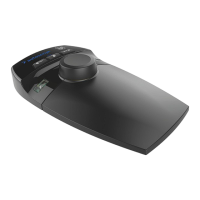
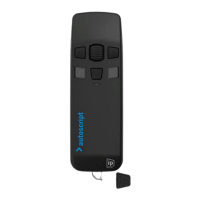
Wireless Controller
The WC-IP is not
powering up
Check that the controller has a charge (Solid Green Light) If
The WC-IP is powered
up, but not controlling
the prompted text
Check that the WC-IP and WB-IP are paired (solid blue light in status
window of WB-IP, Slow blinking blue light on WC-IP)
Conrm that the WB-IP is enabled in the Devices window
Check that a quality Cat5 or Cat6 cable has been used to connect the
WB-IP to the PoE injector
Check that the dead-band and scroll prole settings are appropriate
within the WP-IP software application (WB-IP/Device Conguration/
Speed Prole)
The WC-IP is powered
up, but not paired with
the WB-IP
Check that the WB-IP is within the range of the WC-IP (max 300 Feet)
Check that the signal connection between the two devices is line of
sight
Check that another WC-I is not paired with the WB-IP
Check that the WB-IP is powered


 To Next Page