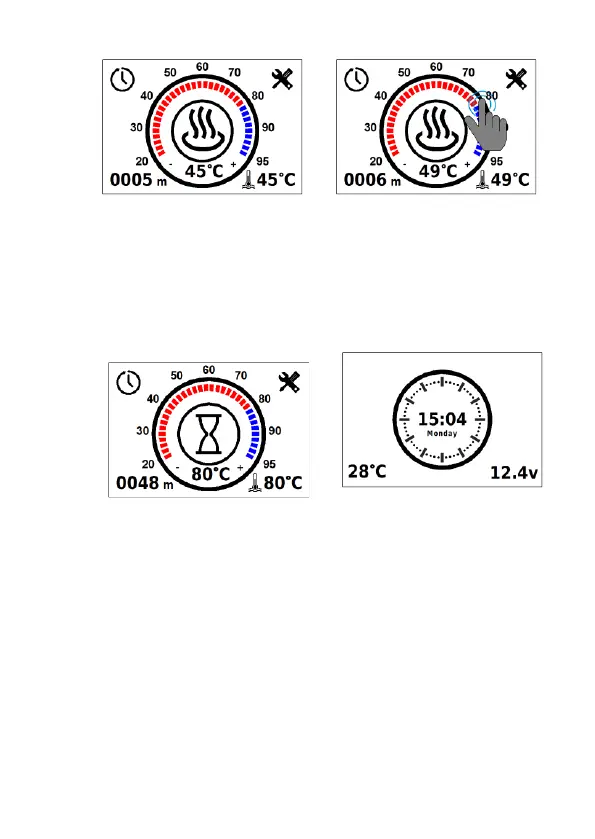
To shut the product down (Fig. 4), tap the centre of the screen or
press mechanically. After the shut-down, the control panel switches to
the main screen (Fig.1). When the control panel remains idle, it switches
to standby mode to reduce the power consumption (Fig. 5).
The heater must not be disconnected from the power supply
before the end of the purge cycle
2. Operational features
A long tap (2 seconds) on the centre of the screen when a Flow 5,
Flow 6, or Flow 10 heater is switched off will force the pump to start
(without heating the coolant). For an air heater, a long tap triggers venti-
lation mode (without heating).
During Flow 10 and Flow 14 heater operation, a long tap switches
the operating mode to economy mode.
During continuous operation at low setting, all products automati-
cally restart every 3 hours.



 To Next Page