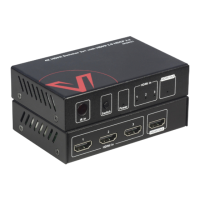
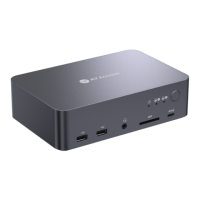
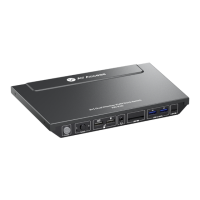
Introduction
Package Contents
Before you start the installation of the product, please check the package
contents:
Switcher x 1
Power Adapter (DC 12V 3A) x 1
USB 3.2 Gen 2 Type-C to Type-C Cable (L = 1m) x 1
USB 3.0 Type-B to Type-A Cable (L = 1.5m) x 1
HDMI 2.0 Cable x 1
DP 1.2a Cable x 1
User Manual x 1
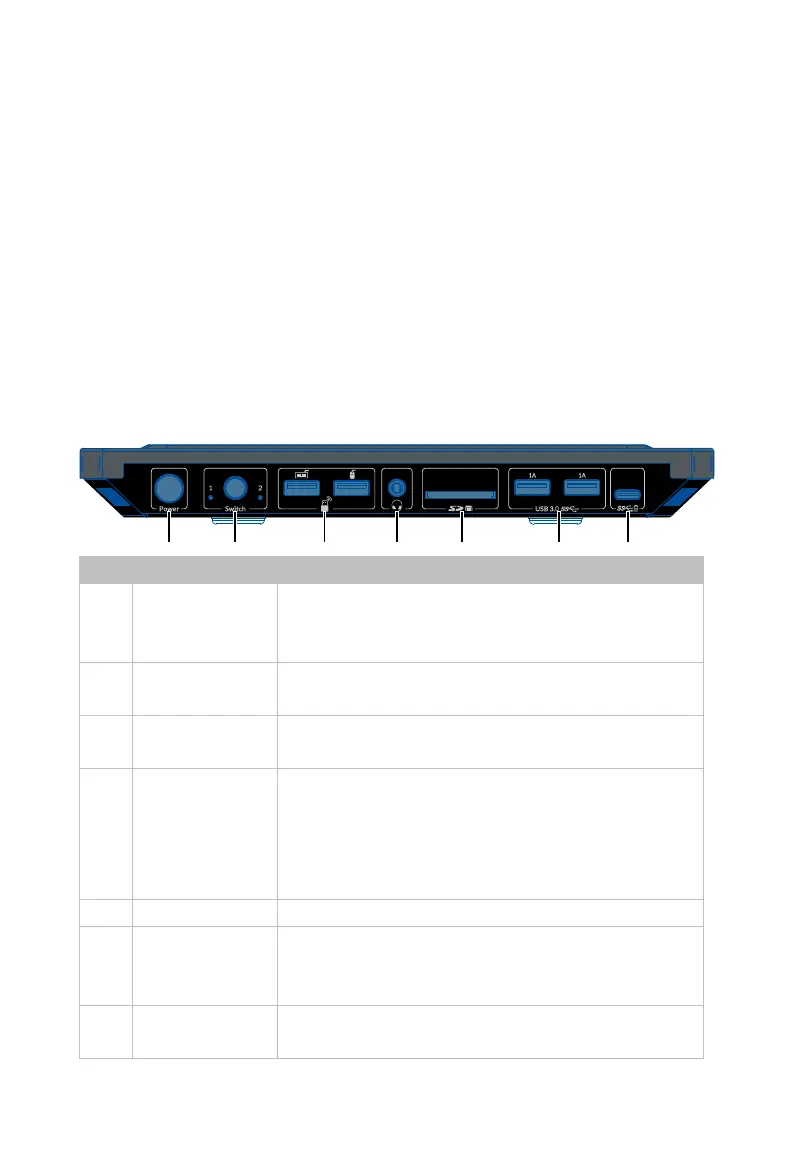
Panel
Front Panel
1 Power Button
Press to power on/off the device. Whe
d
evice is powered on, the backlight of the
button will light blue.
2 Switch
Press to switch source between USB-C In 1 and
Desktop 2 (HDMI + DP + USB Host (USB Type-B)).
3 USB Device
USB 2.0 Type-A ports.
It is recommended to
connect to a keyboard and a mouse.
4 Headphone
3.5mm TRRS headphone jack
headphone with microphone. The headphone
switching follows the USB Host port selected
and need to select "AV Access KD-E10" on the
SDXC port. Insert SDXC card.
6 USB 3.0 (1.0A)
USB 3.0 type-A ports, can be used to connect to
USB 3.0 high-speed device for KVM function.
Supports 5V/1A power output.
7
USB-C (data
USB 3.0 type-C port. Connect to USB device with
USB-C port. The port is used to transmit USB


 To Next Page