EasyManua.ls Logo

Avant Guard D30 - User Settings

Avant Guard D30
26 pages
Print Icon
To Next Page IconTo Next Page
To Previous Page IconTo Previous Page
Loading...
AVANT GUARD
16
6.5. User Settings
6.5.1. Add User
6.5.2. Modify User
6.5.3. Delete User
6.5.3.1. Delete User by ID
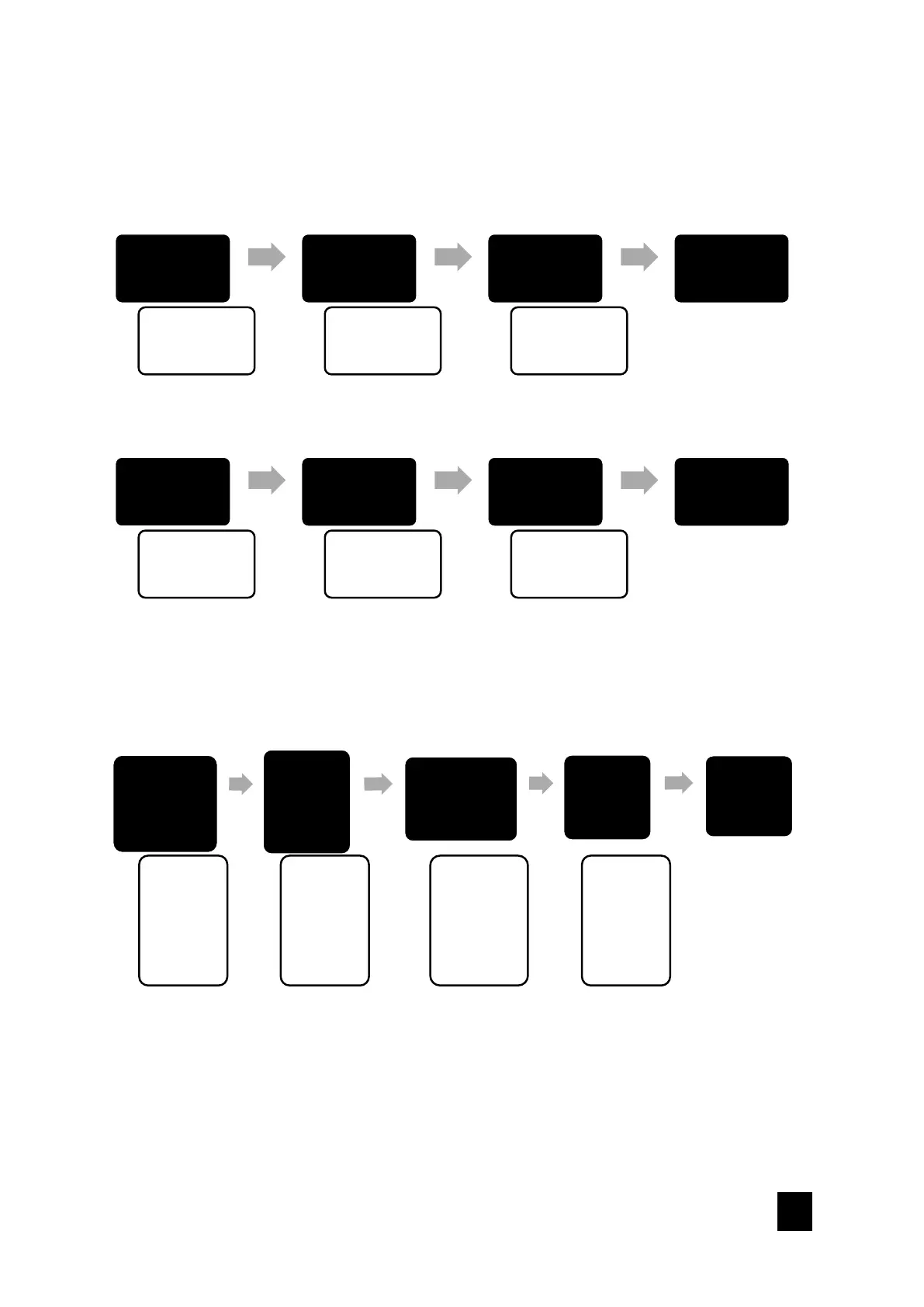
1. Admin Setting
2. User Setting
3. System Setting
4. Data & Records
Press 2
1. Add User
2. Modify User
3. Del User
Press 1
ID: XXX
Enter Info
Scan Fingerprint
or Enter Password
or Scan Card
Press "#"
Add OK
1. Admin Setting
2. User Setting
3. System Setting
4. Data & Records
Press 2
1. Add User
2. Modify User
3. Del User
Press 2
Enter ID or info to
modify
Scan Fingerprint
or Enter Password
or Scan Card
Press "#"
Modify OK
1. Admin Setting
2. User Setting
3. System Setting
4. Data &
Records
Press 2
1. Add User
2. Modify User
3. Del User
Press 3
1. Delete by ID
2. Delete by Type
3. Delete by All
Press 1
Enter ID or info
to delete
Scan
Fingerprint
or Enter
Password or
Scan Card
Press "*" to
cancel
Press "#" to
confirm
Delete OK