Need help?
Do you have a question about the Avantree AH5 and is the answer not in the manual?
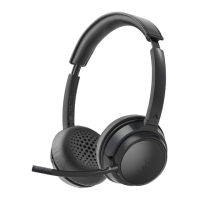
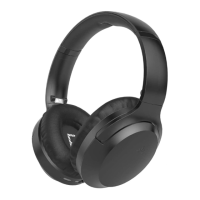
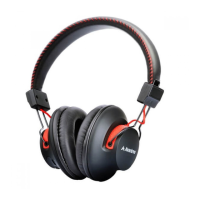
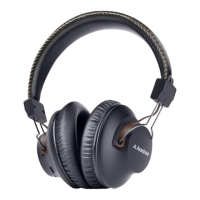
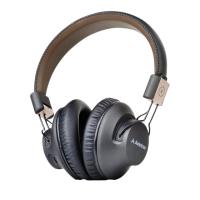
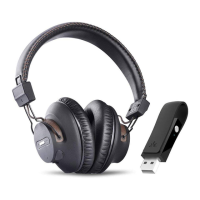
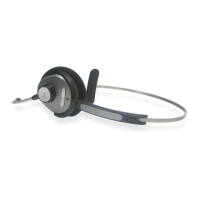
Avantree AH5 wireless headband headphone features PC wireless communication and clear mobile communication in noisy environments.
Diagram illustrating the key parts of the Avantree AH5 headset, including speakers, microphone, and controls.
Lists the items included in the package: Avantree Headphone, USB charging cable, and User manual.
Detailed steps for initial and subsequent charging, LED indicators, and charging frequency recommendations.
Procedure to turn the headset on and off using the MFB button, including LED and audio cues.
Steps to pair the headset with a Bluetooth mobile phone, including entering a pin code if required.
Instructions for answering, ending, rejecting calls, voice dialing, redialing, call holding, and adjusting volume.
Steps to pair the headset with a PC running Microsoft system and built-in Bluetooth.
Guide to configuring sound settings on PC for optimal Skype call performance with the headset.
Technical details of the headset including Bluetooth version, class, talk time, standby time, battery, and dimensions.
Important precautions to avoid device damage, malfunction, and personal injury from heat, moisture, or mishandling.
Statement of compliance with FCC and IC rules regarding radio frequency interference.
Information on RF exposure requirements and compliance with FCC limits for digital devices.
Declaration of CE certification and compliance with essential requirements of the R&TTE Directive.
Information on ownership of Bluetooth and Avantalk trademarks.
 General
| Type | Over-Ear |
|---|---|
| Driver Size | 40mm |
| Frequency Response | 20Hz-20kHz |
| Impedance | 32Ω |
| Microphone | Yes |
| Foldable | Yes |
| Connectivity | Bluetooth 5.0 |
| Wireless Range | 10m (33ft) |
| Charging Time | 2 hours |

 To Next Page