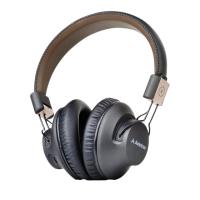
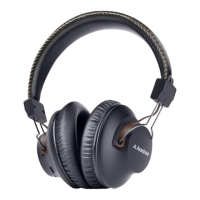
We take Bluetooth enabled mobile phone as example.
NFC pairing -
A. Turn on NFC function from your phone.
B. Let your phone tap NFC location of the headphones until your mobile
phone give an indicate note. (Some phones will vibrate and some will
have a beep sound.)
C. Then your phone will get a reception request if you would like to pair with
the headphones for the first pairing time.
D. Tap “Yes”, then your mobile phone will connect with Audition.
E. Tap it again to turn the headphones off.
Normal Bluetooth pairing -
If your phone doesn’t support NFC, you can follow the following steps to pair.
A. Ensure the headset is off.
B. Press and hold the MFB (multiple function button) about 7-10 seconds
until the LED blinks blue and red alternately.
C. Search for the headset from your phone.


 To Next Page