User Manual DUET
11
Connecting the Headphones
Now that your transmitter is set up, all that’s left is connecting the
headphones.
STEP 1
First, power everything on.
STEP 2
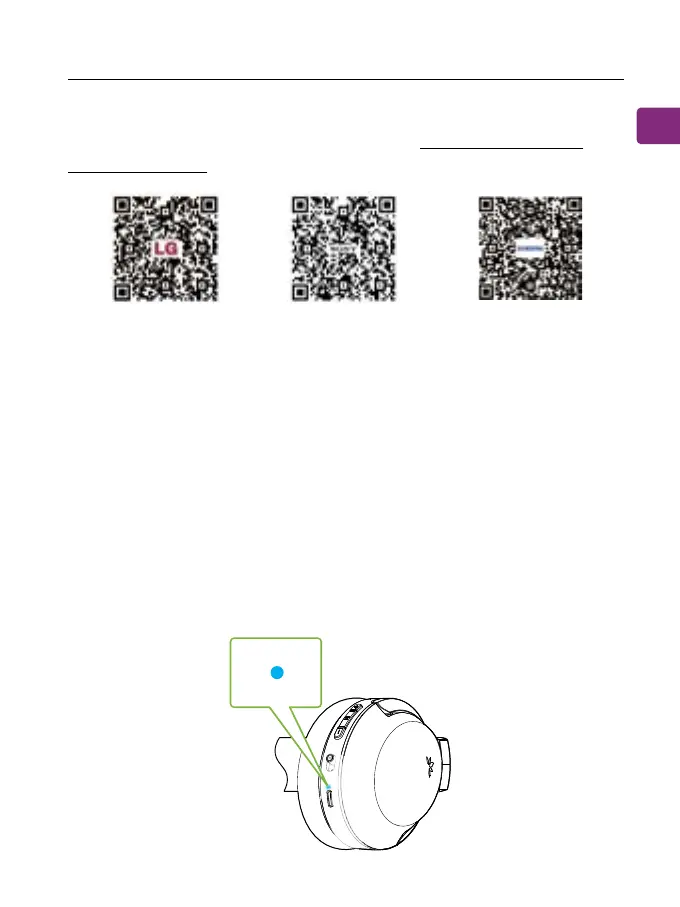
The transmitter and 2 headphones will auto connect, once
connected, the headphones’ connection LEDs turn solid blue.
LG SONY SAMSUNG
If you’re having trouble nding these settings, you can scan the QR
code correlating to your TV’s brand OR visit avantree.com/duet/
tv-audio-settings for a more detailed guide.


 To Next Page