User Manual DUET
10
EN
FOR OPTICAL CONNECTIONS ONLY
Setting Up Your TV
If you connected to your TV via the optical OUT or “OPT / OUT” port,
you’ll need to congure your TV settings before you’ll receive audio.
STEP 1
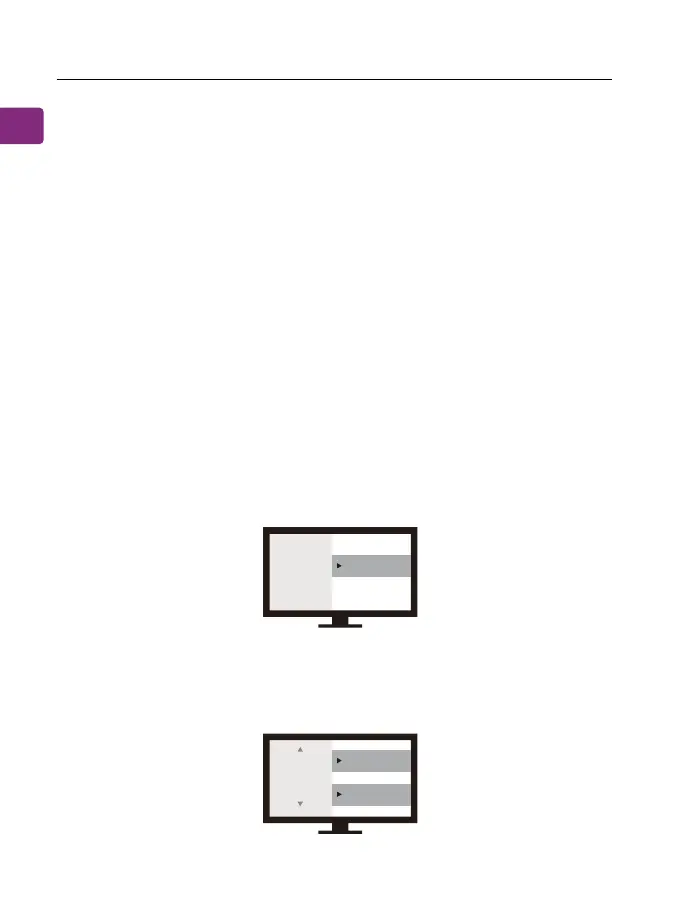
Using your TV’s remote control, press the SETTINGS button and
navigate to the AUDIO tab within the settings menu. (Please note
that there may be dierences in the setting names depending on
your brand of TV).
STEP 2
Proceed to AUDIO OUTPUT and select “OPTICAL OUT / EXTERNAL
SPEAKER”. Many TVs will do this automatically; skip this step as
needed.
STEP 3
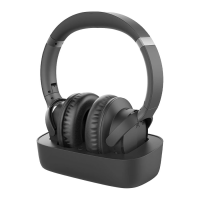
Go back to the AUDIO tab in your SETTINGS, then navigate to
DIGITAL OUTPUT and turn “PCM / STEREO” ON or “DOLBY” OFF.
Sound
Audio Out Optical Out
Digital
Audio
Format
or
PCM/Stereo
Dolby - OFF


 To Next Page