User Manual
7
HT5009
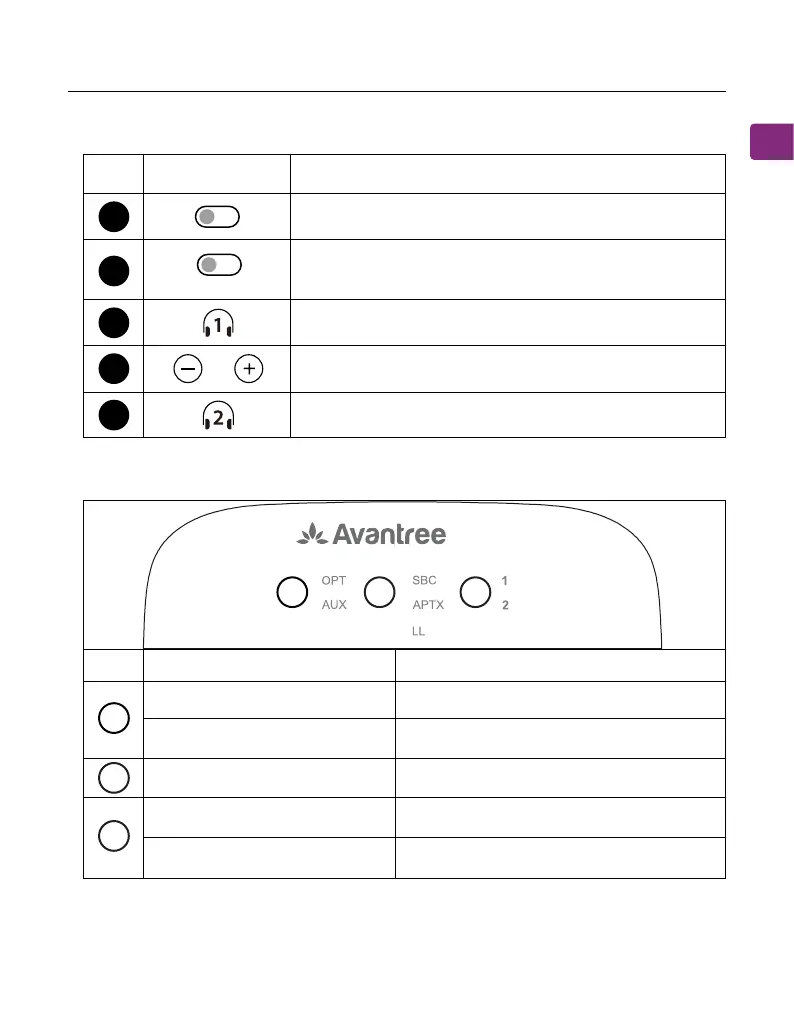
Button Functions
LED Indicators
5
6
7
8
9
Switch to turn the transmitter on / o
Press & hold for 2 seconds to enter pairing mode
Press once to adjust volume
Press & hold for 2 seconds to enter pairing mode
Solid white light Valid audio signal
Invalid audio signal
Current codec indicator
Pairing
Headphones successfully connected
Flashing white light
Solid white light
Flashing white & green
Solid white light
Switch between mono and stereo modes (only
works with AUX inputs)
C
B
D
No. Indicator Status
ON OFF
Stereo Mono
SSD(AUX input)
No. Button Function
C
B
D















 To Next Page