User Manual
14
EN
OASIS PLUS 2
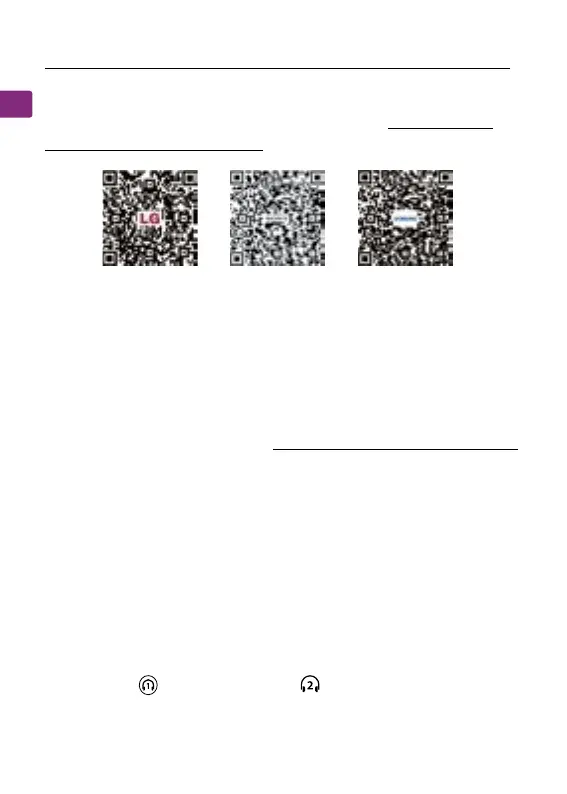
If you’re having trouble nding these settings, you can scan the
QR code correlating to your TV’s brand OR visit avantree.com/
oasis-plus-2/tv-audio-settings for a more detailed guide.
LG SONY SAMSUNG
You can connect and simultaneously listen through two pairs
of headphones if desired. Visit avantree.com/oasis-plus-2/video
if you’d prefer to watch a video guide on this process.
STEP 1
Pair your rst pair of headphones to the Oasis Plus 2 by
following the steps in the “Connecting Your Headphones”
section(Page 11).
STEP 2
Once your rst device is successfully connected, put your
Oasis Plus 2 into PAIRING MODE once again by pressing &
holding the button untill the " " LED ashes GREEN and
WHITE alternately.
Adding a Second Pair of Headphones
Advanced Features



 To Next Page