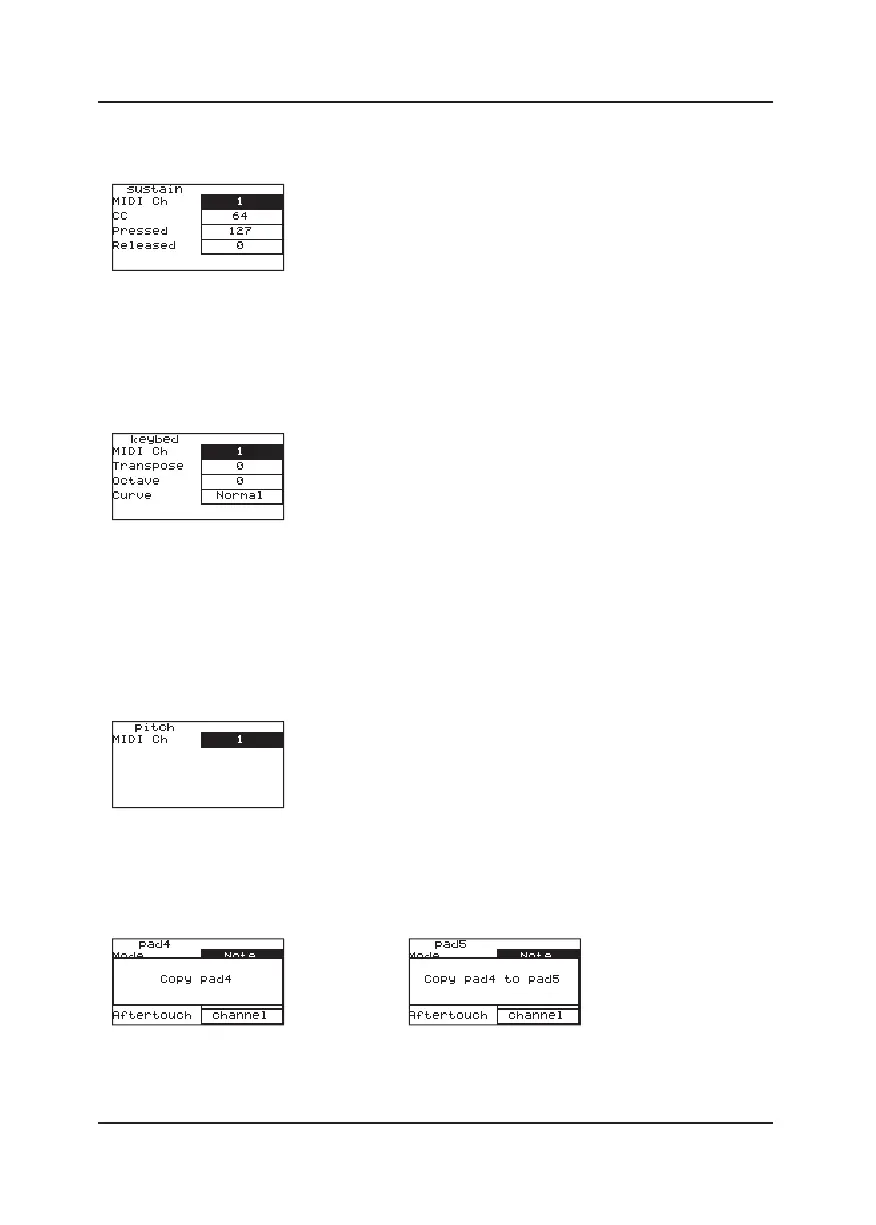
3. Modify pedal (Sustain) parameters
In the MENU, hit the pedal to select it. You can change:
①MIDI Channel of Sustain.
②The CC of Sustain.
③The value of Pressed and Release.
4.Modify Keybed parameters
In the MENU, press the [KEYBED] button to get to the Keybed setting interface.
You can change:
①The MIDI Channel of Keybed.
②The value of Keybed's Transpose, transpose up or down, the most transpose is up
to 12 semitones.
③The velocity curve of the Keybed.
④The value of Octave.
5. Modify Joystick parameters
Move the Joystick to select it, then press MENU button to enter menu page, you can
scroll the Selection knob to change the MIDI Channel.
6. Copy and paste the parameters of pads
In the MENU, hit the pad to select it, then press COPY button, this pad will blinks three
times. That means all the parameters of this pad has been copied. Hit another pad to
select it, then press PASTE button, this pad will also blinks three times. That means the
parameters copied from previous pad has covered its orginal settings successfully.
9



 To Next Page