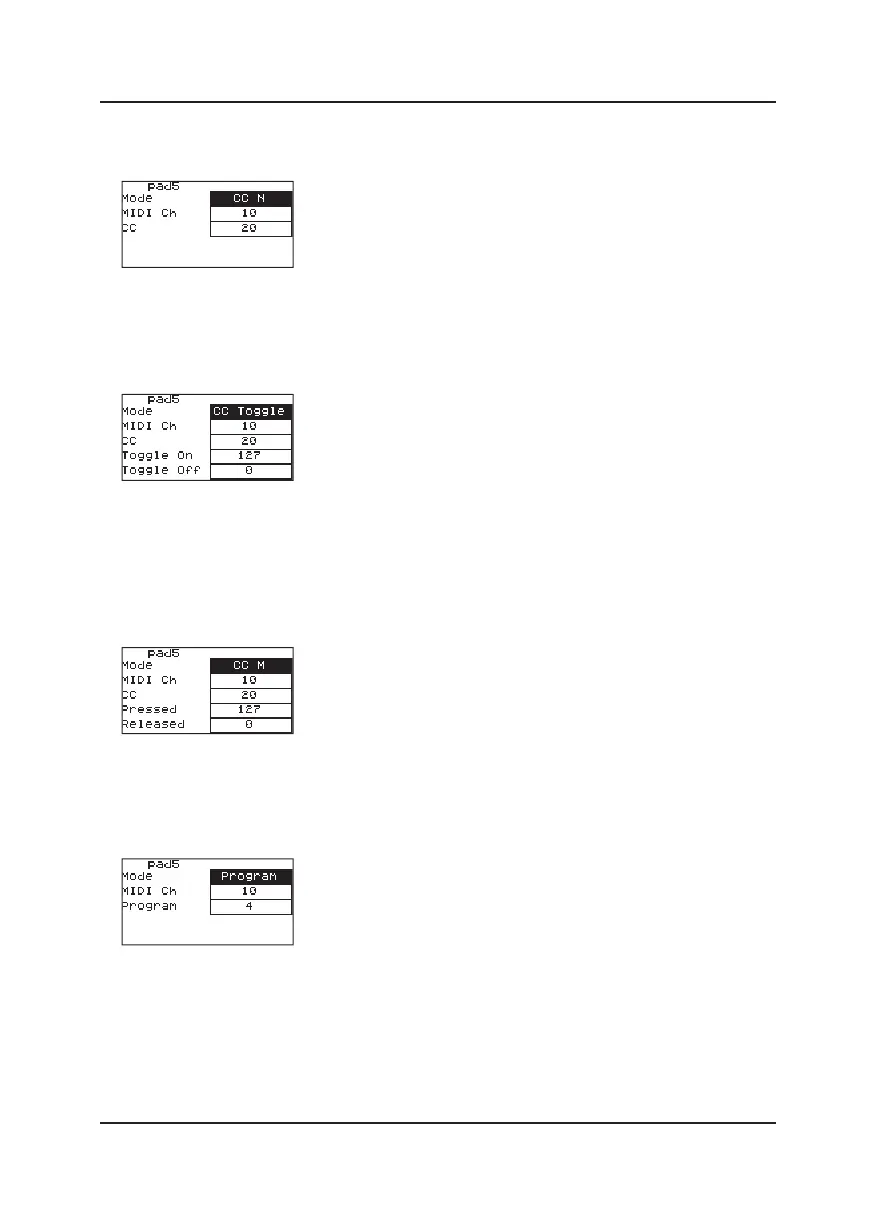
◇ When the pad is in CC N mode, each time the pad is triggered, it will send a CC
command. You can change:
①MIDI Channel of the CC command.
②The value of CC command.
◇ When the pad is in CC Toggle mode, the value of Toggle on/o commands would be
sent out from the keyboard circularly each time the pad is triggered. You can change:
①The MIDI Channel of the CC command.
②The CC value of the CC command.
③The value of Toggle on and Toggle o.
◇ When the pad is in CC Momentary(CCM) mode, the value of Pressed/Released
commands would be sent out from the keyboard each time the pad is pressed/released.
You can change:
①The MIDI Channel of the CC command.
②The value of the CC command.
③The value of Pressed and Released.
◇When the pad is in Program Change working mode, you can change:
①The MIDI Channel of Program Change.
②The value of Program Change.
8



 To Next Page