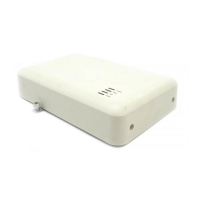
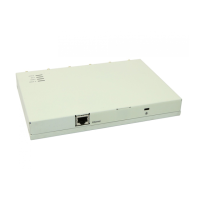
If there is a mixture of WAP9112 Access Points and WAP9122, 9123, 9132, 9133, 9172, 9173 or
WAO9122 Access Points, you should create one or more AOS and AOS-Lite profiles and set a
default profile for each type.
When WOS discovers an Avaya AP, it automatically places it into the correct default profile based
on whether the AP runs the AOS or AOS-Lite Operating System.
Before you begin
• An AOS-Lite Profile should be created for WAP9112 Access Points.
Procedure
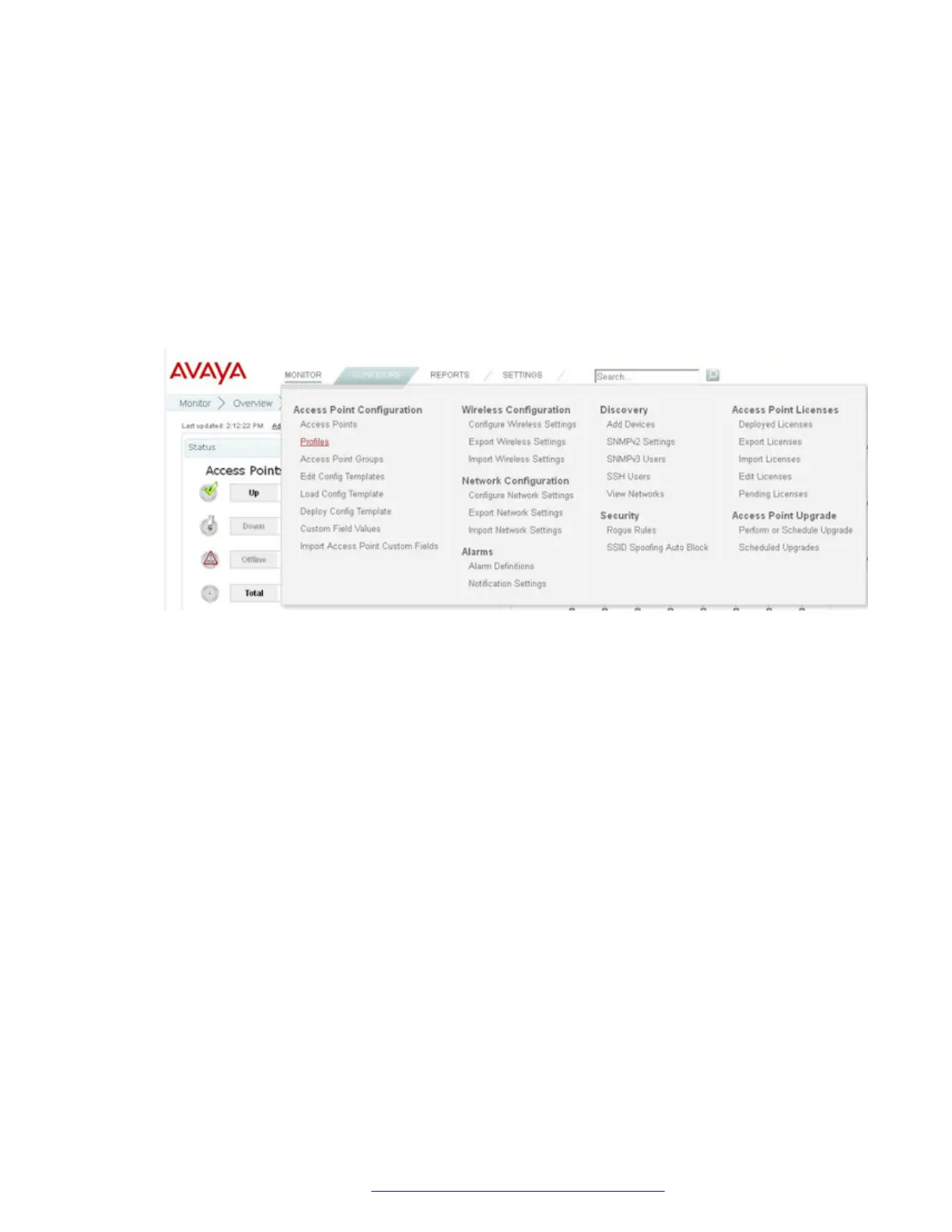
1. Select the Configure menu at the top of the Page.
2. Click on the Profiles link under the Access Point Configuration.
3. Click Add AOSLite Profile to create a new AOSLite profile.
4. Enter the name of the profile in the box next to Profile Name and click OK when done.
Creating an AOS-Lite Profile for AP Configuration
December 2015 WAP9112 Quick Start Guide 7
Comments on this document? infodev@avaya.com


 To Next Page