Related links
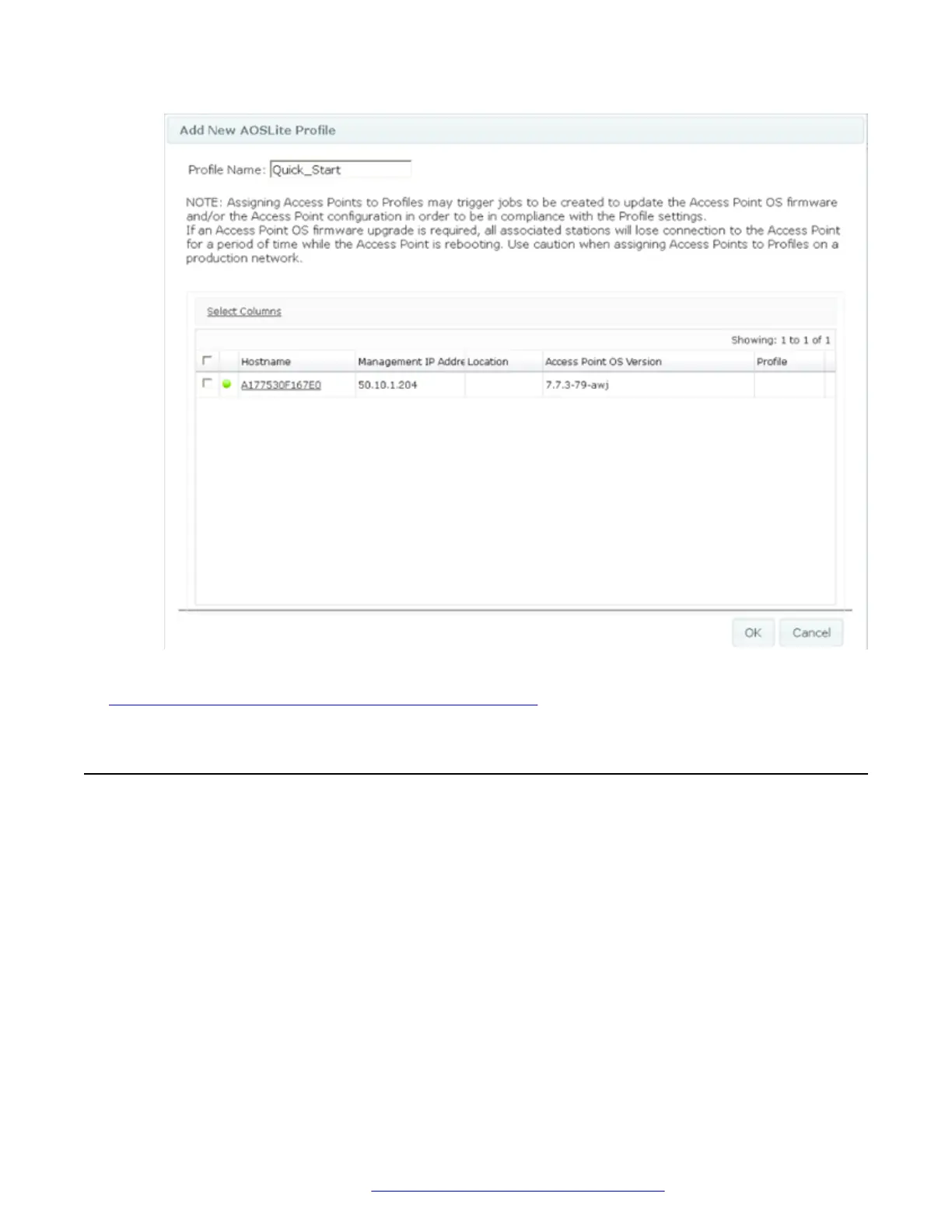
Setup Wireless LAN Orchestration System for WAP9112 on page 6
Configuring the AP Switch Port Configuration
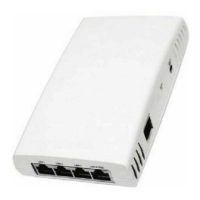
The WAP9112 has 4 switch ports to connect wired devices to the network. By default the switch
ports forward untagged traffic from the devices over to the up-link PoE switch. The Profile
Configuration -> Network -> Switch Port configuration page allows VLAN configuration for the
individual LAN ports.
The Switch Port can be configured as an Access or Trunk port and can support up to 8 VLANs when
configured as a Trunk Port.
Setup Wireless LAN Orchestration System for WAP9112
December 2015 WAP9112 Quick Start Guide 8
Comments on this document? infodev@avaya.com


 To Next Page