EN
3.4. Pool cover and security
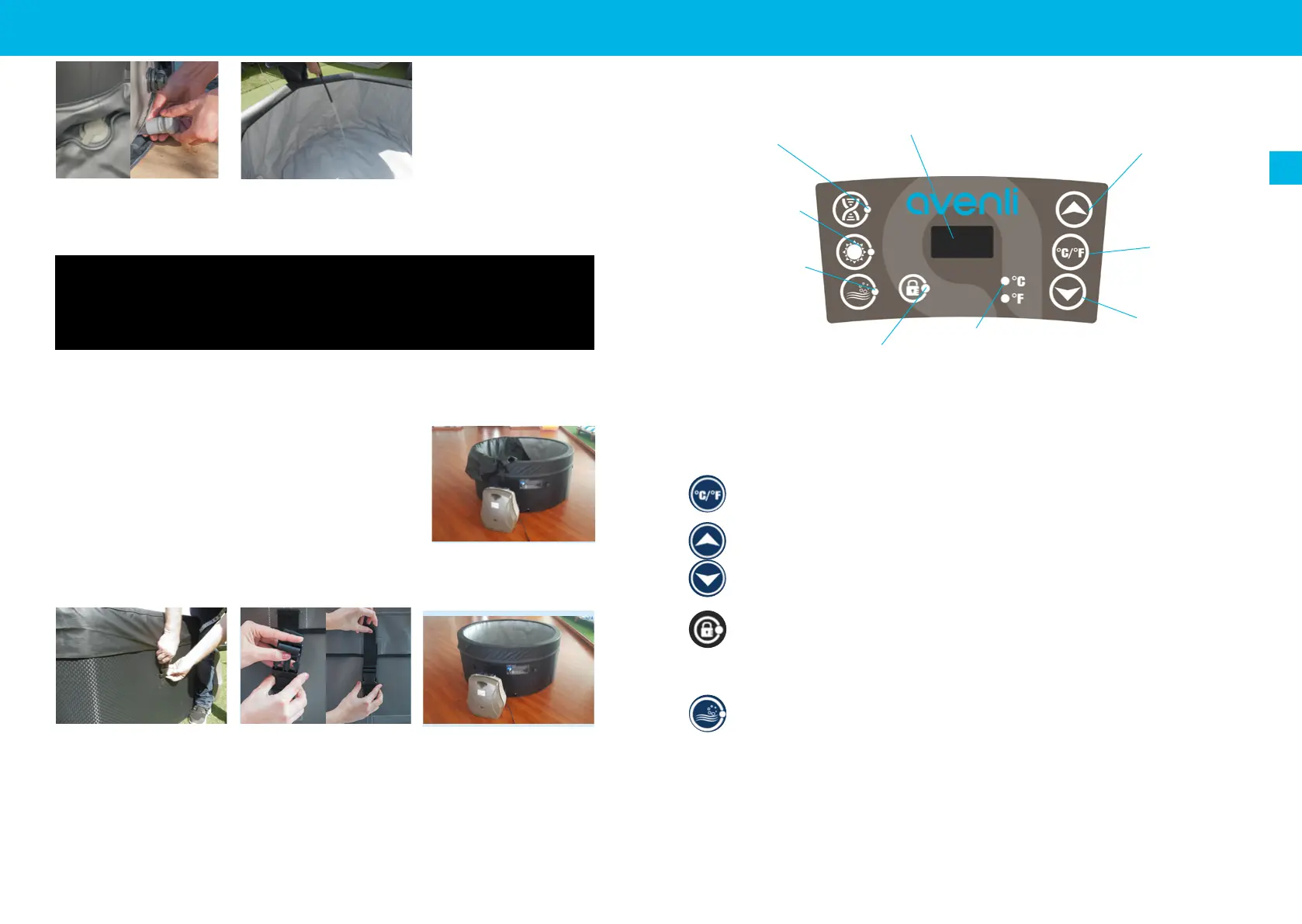
After each use, the control panel must be locked and the
pool must be coated with its top cover and it must be at-
tached to the base protector with the safety buckles.
Each safety buckles has a lock system ; closed buckle, the
latch in up position locks the buckle, the latch in down posi-
tion unlocks the buckle.
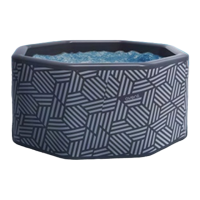
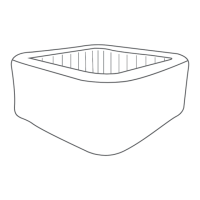
The top cover keeps the heat from the water and secures the pool.
13) Check that the drain plug is closed
properly.
14) Fill the spa pool until the indicated
ll level is reached.Your spa is ready to
be used.
3. INSTALLATION
Warning : Do not leave spa unattended while lling with water.
Make sure the drain tting is plugged securely and the cap is in place. Start lling the spa with
water. After about 1-inch of water is on the bottom, stop lling and smooth wrinkles out of the
bottom of the spa. Pull the outer wall out from the top edge, all around the bottom of the spa, so
that it lls evently.
Continue lling the spa until waterf level.
Once powered-up, the LED displays the current water temperature automatically.
The temperature units selector changes the temperature units from Celsius de-
grees to Fahrenheit degrees.
Press the temperature adjustment buttons, then the screen will ash. When it is
ashing, you can set the desired temperature. The value will increase or decrease
1 degree at once. The temperature could be set between 30°C to 40°C (86°F to
104°F).
To lock or unlock the control panel, press the Lock button and hold 3 seconds.
Lock the control panel when you are away to prevent other people come to
change your settings..
Press the massage button to activate the bubble massage system, the green
indicator light turns on. It can be turned off by pressing it again.
Note :
- The massage system will stop automatically after 30 minutes of operation. Re-activate the mas-
sage function by pressing the massage button again.
- When lter button is on, pressing bubble button will exchange lter mode into massage mode: lter
indicator light will turn off and massage indicator light turn on. If press the bubble button again, the
massage mode will be changed back to lter mode.
4. USAGE
4.1. Control panel
4.2. Functions
Filtration
Temperature
Decrease Button
Temperature
Increase Button
LED Display
Massage Button
Lock Button
Temperature
units indicator
Temperature
units
selector
Heat Button
10 11


 To Next Page