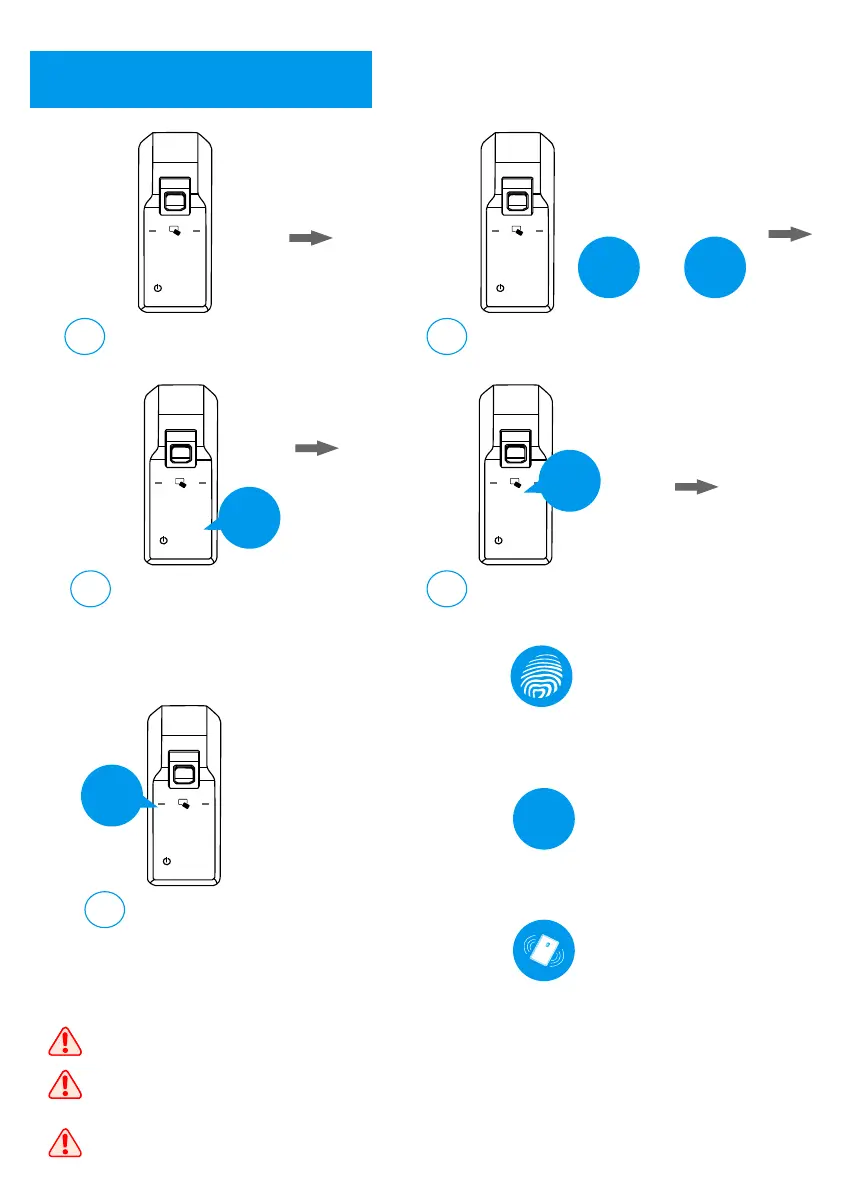
Register Normal User
2
5
Activate the lock;
a
Input 0 and #;
b
1 2 3
4 5 6
7 8 9
0
#
1 2 3
4 5 6
7 8 9
0
#
0
#
+
Input the master user
for authorization;
c
1 2 3
4 5 6
7 8 9
0
#
***
Master
Input 2 for normal user setting
d
1 2 3
4 5 6
7 8 9
0
#
2
Input 1 to add normal user
e
1 2 3
4 5 6
7 8 9
0
#
1
1. Fingerprint User: place the fingerprint
on the sensor 3 times to register;
X3
2.Password User: input the password,
and press # to confirm in 2 times;
X2
***
3. Card User: place the card on the
card reader to register;
The password can be 6 to 10 digits.
Once the registration is finished, please try to use the registered user to unlock
and confirm the registration is successful.
It is suggested to make a record list for the user ID and manager them better.



 To Next Page