44
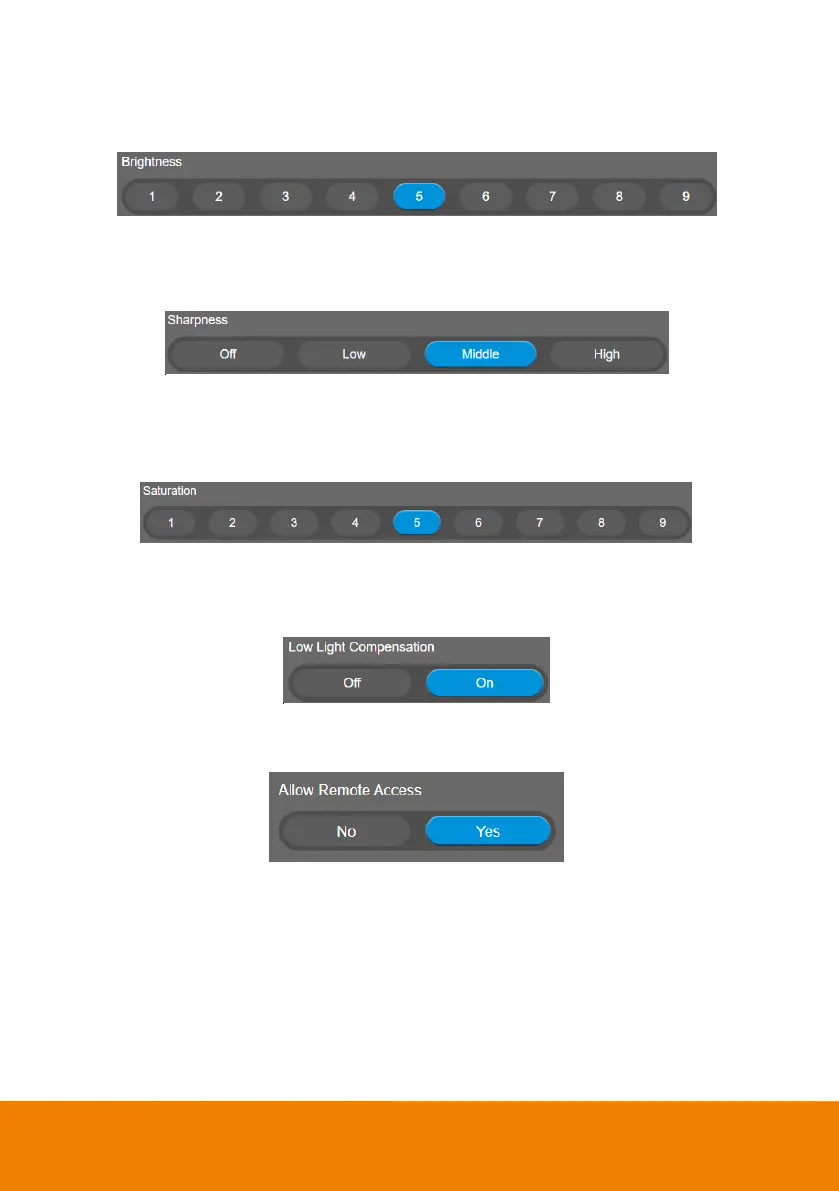
Brightness
Adjust the value of brightness.
Select Setting > Image > Brightness > 1 ~ 9.
Sharpness
Adjust the value of sharpness.
Select Setting > Image > Sharpness > Off, Low, Middle, or High.
Saturation
Adjust the value of saturation.
Select Setting > Image > Saturation > 1 ~ 9.
Low Light Compensation
Select Setting > Image > Low Light Compensation > Off or On.
Please notice that the frame rate will drop to 10~15 fps.
Allow Remote Access
Select Setting > Image > Allow Remote Access > Off or On.
[Note] Only available on PTZApp2
Low resolution under 720p
Select Setting > Image > Low resolution under 720p > Disable or Enable.



 To Next Page