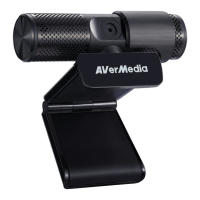
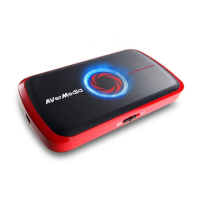
Step 1: Slide the switch on the front of the device to the RIGHT.
The LED indicator glows solid RED when the device is ready.
Step 2: According to your video/audio source, choose one of the
connections below.
When two or more sources are hooked up at the same time, Live
Gamer Portable will auto-detect the input source with priority
order of 3.5mm Audio > Component > HDMI. To select HDMI as the
input source, please remove the component cable.
recordings, please connect Live Gamer Portable to your computer
on which the driver is installed under the PC Mode to auto update
time.


 To Next Page