EasyManua.ls Logo

Avery Weigh-Tronix GSE 562 - User Manual

Avery Weigh-Tronix GSE 562
48 pages
Print Icon
To Next Page IconTo Next Page
Loading...
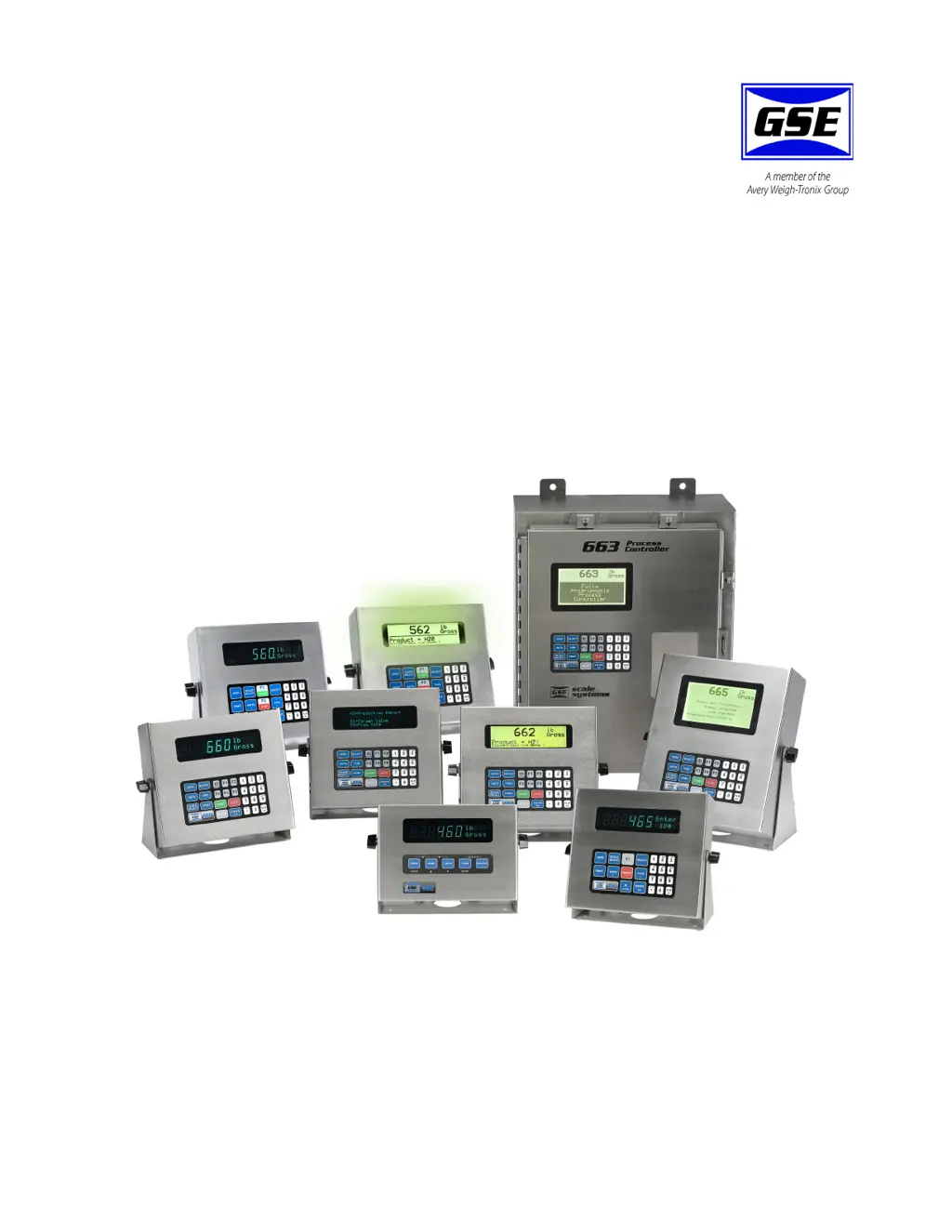
60 Series
Indicators and Process Controllers
User Instructions
NORTH AMERICA
39-10-37149 Issue AH February 2010

Table of Contents

Questions and Answers

  • D
    Daniel GarciaAug 9, 2025
    How to fix 'UnderLoad!' error on Avery Weigh-Tronix GSE 562?
    • R
      Rhonda ThompsonAug 9, 2025
      If your Avery Weigh-Tronix Controller displays 'UnderLoad!', check the load cell connections. If you are using a 4-wire load cell cable, ensure that the sense jumpers are properly installed.
  • D
    Deanna Duncan DDSAug 15, 2025
    What to do if Avery Weigh-Tronix GSE 562 Controller shows 'WRONGCODE!'?
    • D
      danielhesterAug 16, 2025
      If your Avery Weigh-Tronix Controller displays 'WRONGCODE!', you need to enter the correct code to access the Setup Mode. Alternatively, you can press the [ENTER] key alone to view the selections without making any changes.
  • D
    Diana LeeAug 22, 2025
    What does 'CHECK JUMPR' mean on my Avery Weigh-Tronix Controller?
    • Z
      zlopezAug 22, 2025
      The 'CHECK JUMPR' message on your Avery Weigh-Tronix Controller indicates that the installation of the jumper prohibits programming changes.
  • J
    Jamie MartinezAug 28, 2025
    What does 'Tare>F.S.!' mean on my Avery Weigh-Tronix GSE 562 Controller?
    • S
      Spencer GutierrezAug 28, 2025
      If your Avery Weigh-Tronix Controller displays 'Tare>F.S.!', it is most likely that the entered tare value was incorrect.
  • M
    Mrs. Taylor JamesSep 2, 2025
    What should I do if the displayed weight on my Avery Weigh-Tronix GSE 562 Controller is incorrect?
    • M
      Michael ClarkeSep 2, 2025
      If the displayed weight on your Avery Weigh-Tronix Controller is incorrect, power it down for a few seconds. If the indicator still does not work properly after powering it up, check the load cell or platform wiring.

Summary

1 General information

1.2 Installation

Outlines basic installation guidelines and safety precautions for the 60 Series instruments.

1.3 Electrical installation

Details electrical connection requirements, circuit breakers, and safety for outdoor/wet conditions.

1.4 Routine maintenance

Emphasizes the importance of routine checks for operation and calibration, and safety during maintenance.

1.13 Specifications

Details performance, electrical, load cell input, and communication specifications for the instruments.

1.13.1 Enclosure Dimensions

Provides a table with dimensions for various 60 Series models in stainless steel and panel mount versions.

3 Operation

3.2 Parts Counting

Guides on using the counting parameter and performing sampling for parts counting.

3.2.1 Simple keypad sample (model 460)

Details three methods for simple keypad sampling and counting parts on the Model 460.

3.2.2 Negative piece sampling (model 460)

Explains the procedure for negative piece sampling on the Model 460, including prompts and potential issues.

3.2.4 Simple keypad sample

Describes methods for simple keypad sample and counting parts for models excluding the 460.

3.2.5 Negative piece sampling

Details the process for negative piece sampling on 60 Series indicators (excluding model 460).

3.3 Accumulation Mode

Explains the three main memory registers for accumulating weighing data: Gross, Net, and Quantity Totals.

3.4 Absolute and Percent Checkweighing

Introduces check-weigh operations using absolute and percent modes against target weights.

3.4.1 Set the high and low limits (excluding model 460)

Explains how to set high and low limits for checkweighing on models excluding the 460.

3.4.2 Use checkweigh mode (excluding model 460)

Details how to start and stop check-weighing mode on models excluding the 460, and interpret results.

3.4.3 Set the high and low limits ( model 460)

Guides on setting high and low limits for checkweighing specifically on the Model 460.

3.4.4 Use checkweigh mode (model 460)

Explains how to start and stop check-weighing mode on the Model 460.

3.7 Fill (Batching)

Introduces the fill program for single or dual-speed filling, and the standard batch program for up to three items.

4 Troubleshooting

4.1 Information and error messages

Provides information on error messages and troubleshooting, referring to parameters not in this guide.

4.1.1 Operational Mode Error Messages

Lists operational mode error messages, their descriptions, and probable causes/remedies.

4.1.2 Setup Mode Error Messages

Lists setup mode error messages with descriptions, causes, and solutions.

4.1.3 Hardware Problem Error Messages

Details hardware problem error messages, their descriptions, and recommended actions.

4.1.4 General Error Messages

Lists general error messages with descriptions, such as 'Can't Set!' and 'EntryError'.

4.1.5 Communications Error Messages

Details communications error messages like 'ovrnXerror', 'frmgXerror', and 'tx on hold'.

Avery Weigh-Tronix GSE 562 Specifications

General IconGeneral
Power100-240V AC, 50/60Hz
EnclosureNEMA 4X (IP66)
CommunicationRS-232, RS-485, Ethernet
CapacityConfigurable
Operating Temperature14°F to 122°F (-10°C to 50°C)

Related product manuals