TYPE F TYPE N
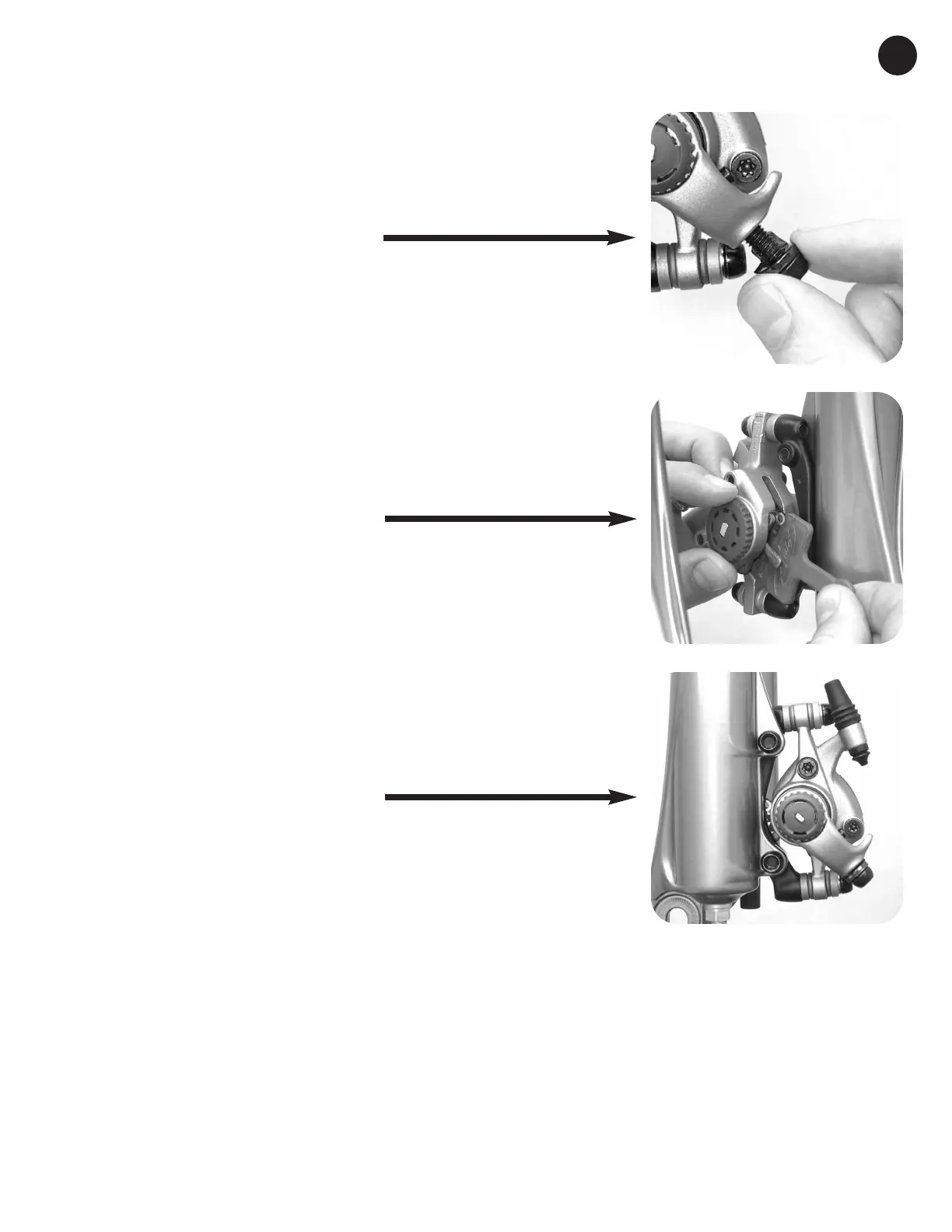
STEP 29: INSTALL CABLE ANCHOR
BOLT & PLATE
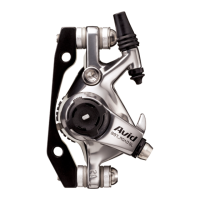
Place the cable anchor plate on the cable anchor
bolt, grease the bolt lightly, and install into the
torque arm.
STEP 30: REMOVE PAD SPACER
Turn both pad adjuster knobs completely
counter-clockwise and remove the pad spacer.
STEP 31: SET UP
Set up the brake by following the procedures in
Avid’s BBDB Installation Guidelines.
21


 To Previous Page