C - INSTALLATION
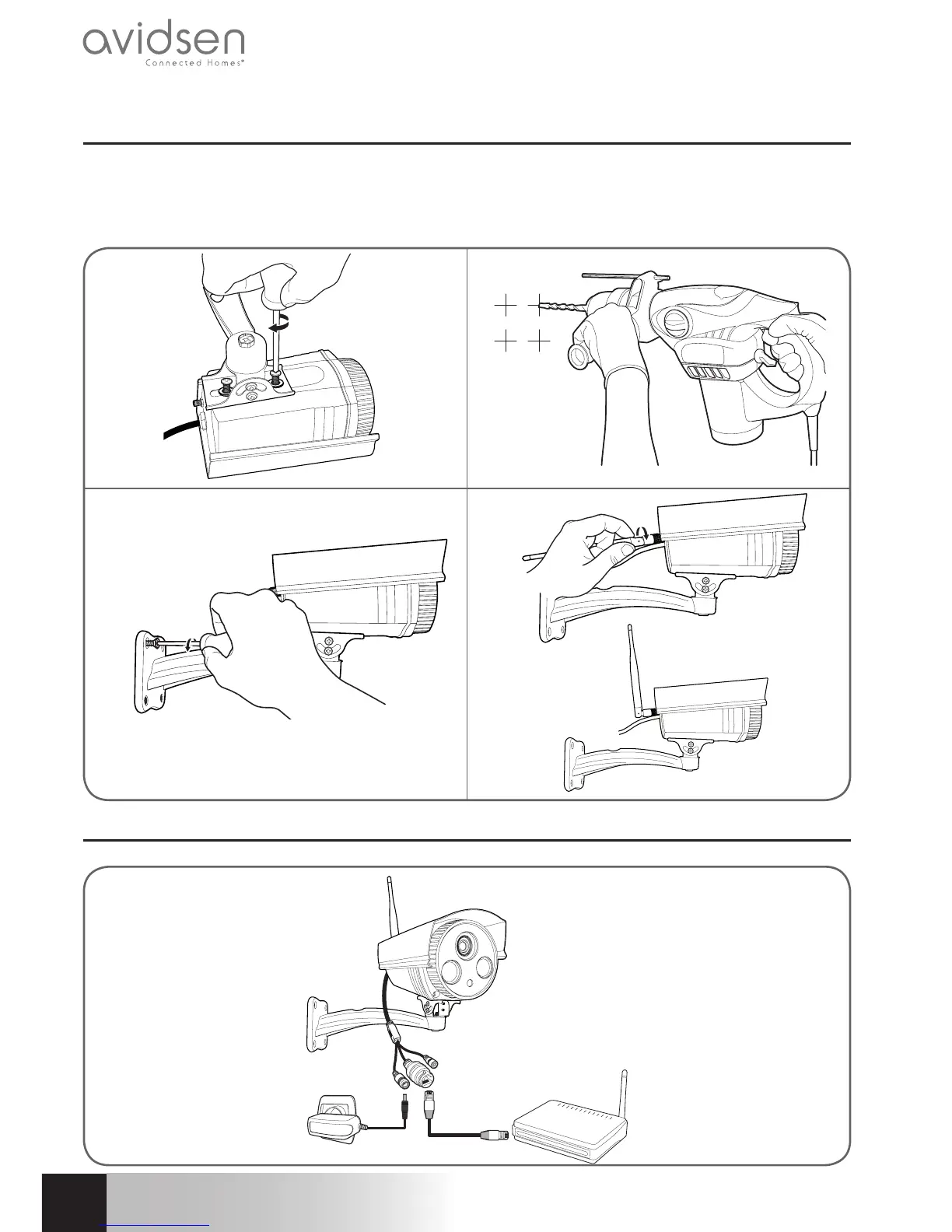
1 - INSTALLING THE CAMERA
Mount the camera using suitable screws and wall plugs for the type of surface (the screws and plugs supplied
are suitable for solid walls).
Make sure the camera is properly secured to prevent it from falling. The stand’s base is removable to enable
access to the mounting holes.
2 - CONNECTING THE CAMERA
OPTIONAL



 To Next Page