7. Control & Settings
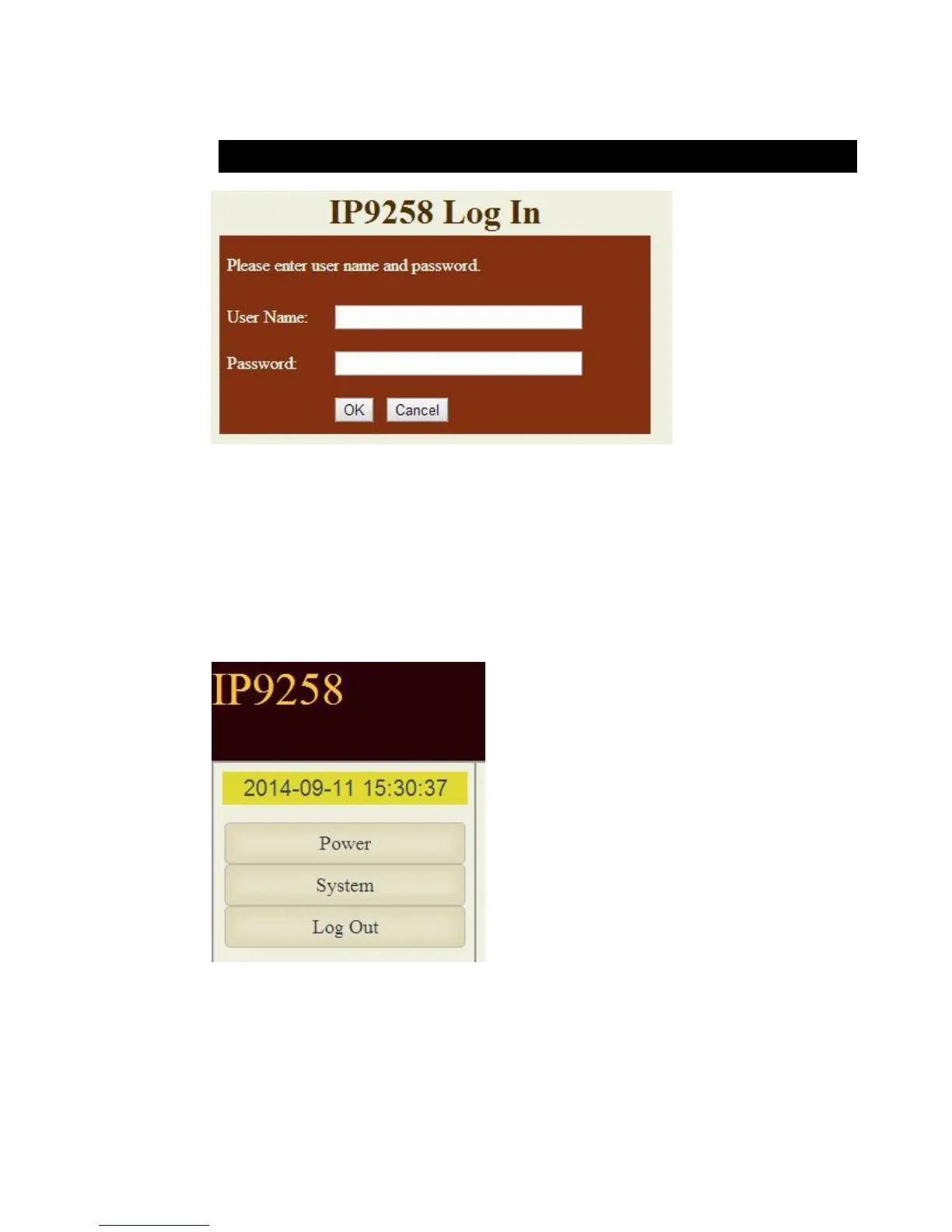
To login to the IP Power 9258 device through web browser like google chrome / Internet
Explorer, type in the IP Address of your device to log in . This will take you to the IP 9258 Login
page.
Default User Name: admin Default Password: 12345678
Once you have typed in the correct login information click okay and you can start making
changes to the web server.
The Control Console : The left side Menu of the Web Interface control the functionality and
setup of the IP Power 9258. There are 4 main sections which will be explained in details below.
⚫ Device name & Time
⚫ Power : Controls , Schedule & Ping.
( Ping function is for 9258S+Ping & 9258T+Ping model only )
⚫ System : Setup , DDNS, Email , Password , Network wake up & IP Service.
⚫
⚫ Logout


 To Next Page