Menu Sections continued...
Advanced Settings continued...
Relay Override
The relay override allows you to force the relay into a known state,
regardless of which operating mode has been set under ‘Relay
Mode’.
HW Cong
Hardware (HW) allows you to congure the Memcom
+
for connection
to dierent accessories available from Avire.
GMT Oset
Will not need updating on the unit. For reference only.
DTMF RX
Use only if directed by Avire Technical Support.
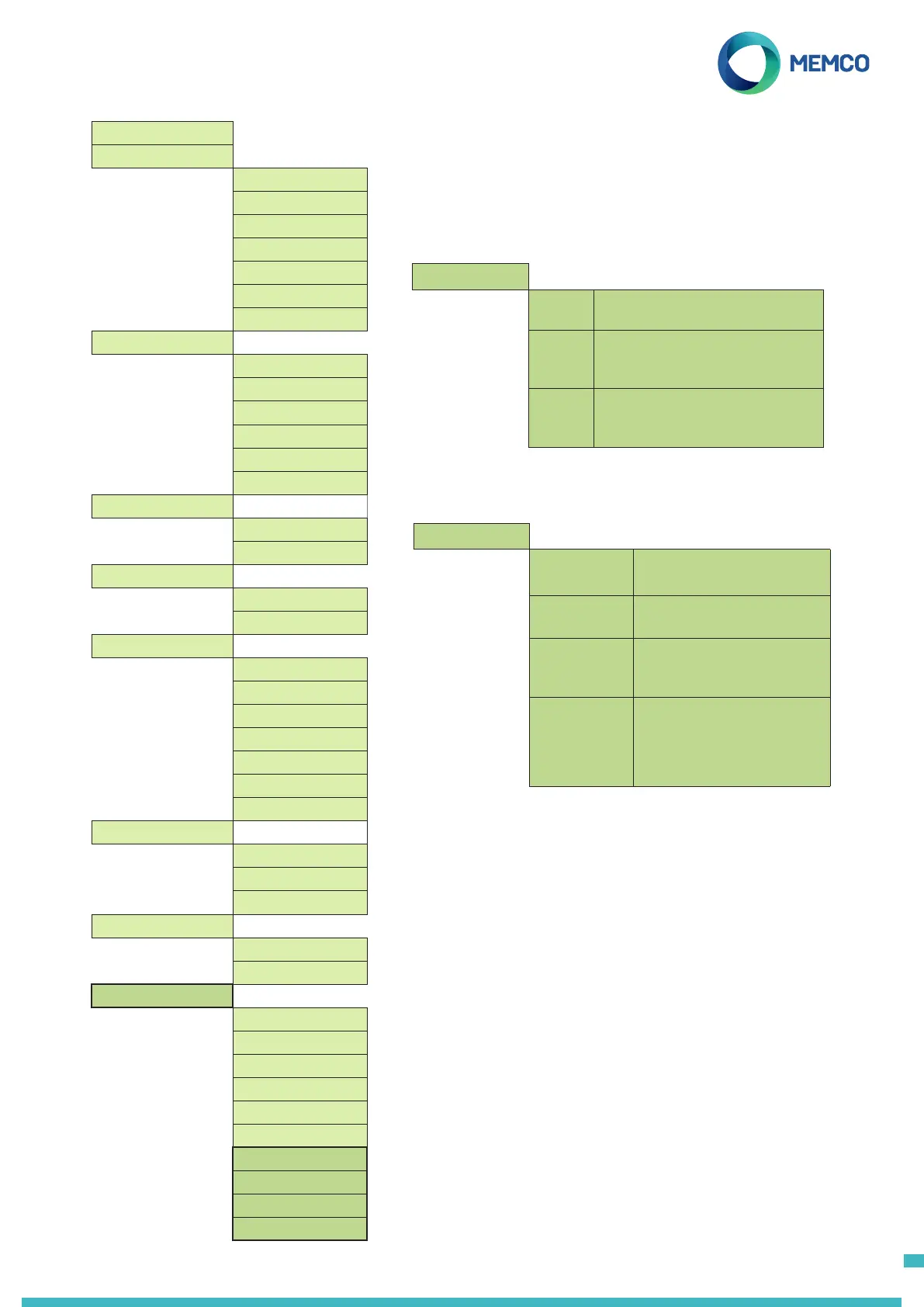
Full Programming Options
Quickstart >
Tel. Numbers >
Alarm no. 1
Alarm no. 2
Alarm no. 3
Alarm no. 4
Tech.no.
Background no.
Call attempts
Settings >
Codice ID
Volume
Accessories >
System Cong >
System Cong+ >
HW Monitoring >
Lift Monitor
IP1 only
IP1+IP2 (Serv.)
Service Count
Interval
Live Count
Delays >
COP delay
MPS delay
TOC delay
Tech IP1 delay
Tech IP2 delay
Hangup delay
Answer delay
Messages >
Location
Reassurance
Guidance
Time / Date >
Time
Date
Advanced >
Passcode
Network ID
Next EN81 call
PBX Frequency
Language >
Relay Mode >
Relay Override >
HW Cong >
GMT Oset
DTMF RX
HW Cong >
Use ext. mic. Use only if directed by Avire
Technical Support
Tech IP2 Use only if directed by Avire
Technical Support.
452 000 GSM Select this option if
connecting the Memcom
+
to
a 452 000 GSM
Legacy GSM Select this option if
connecting the Memcom
+
to
a 452 000 GSM with a serial
number below 101000
Relay Override >
None The relay will switch according to
the Relay Mode setting.
Open The relay contacts will be held in
the open state until Relay Override
is changed again.
Closed The relay contacts will be held
in the closed state until Relay
Override is changed again.
14



 To Next Page