1212
Full Programming Options
Advanced Settings
Passcode
Enter the passcode required to enter standard programming mode
when EN81-28 mode is active. (up to 6-digits). This will also become
the passcode required to access the old menu structure. However,
from the idle screen you will have to press * PASSCODE #
Network ID
Set an extension number 1-8 where units share a phone line. All unit
IDs on a system need to be unique.
Next EN81 call
Details the next scheduled Background call for the unit.
PBX Frequency (Default 320)
Sets disconnect tone frequency (40-2000Hz in 40Hz steps), if
connected to a PBX which does not use standard tones.
Note: 640 is another commonly used PBX frequency.
Language
Set the language required by entering the following:
Note: Other languages may also be listed here.
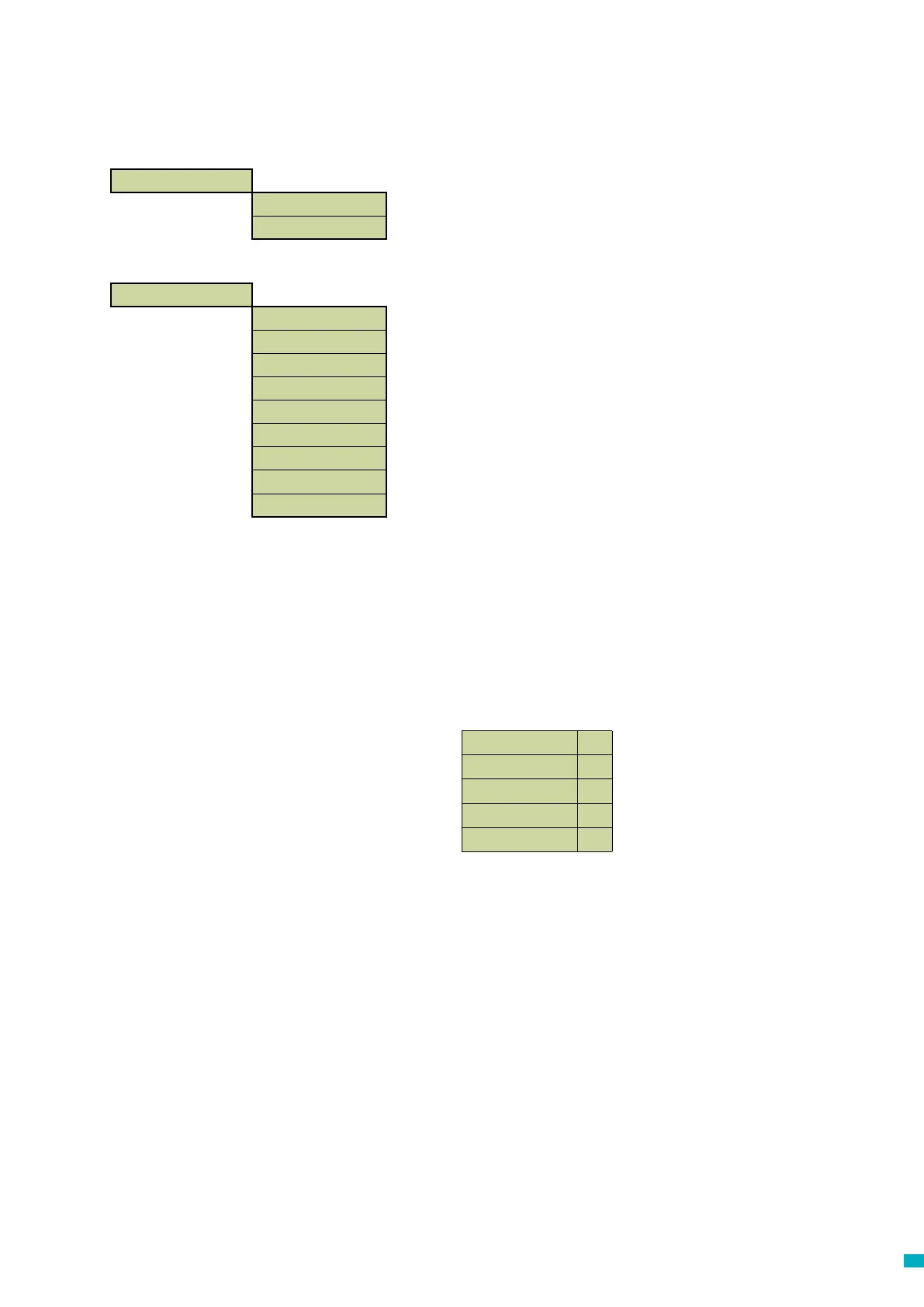
Advanced >
Passcode
Network ID
Next EN81 call
PBX Frequency
Language >
Pri.rly.mode >
Pri.rly.o/ride >
GMT oset
DTMF RX
English
ü
German
û
French
û
Italian.
û
Spanish
û
Time / Date >
Time
Date
Menu Sections
Time / Date
The time and date can be set by entering the correct values and
conrmed by pressing #



 To Next Page